What are Squarespace Templates? A Complete Guide

If you’re starting a website on Squarespace, one of the first things you’ll come across is a Squarespace template. But what are Squarespace templates exactly—and how much do they really shape your website?
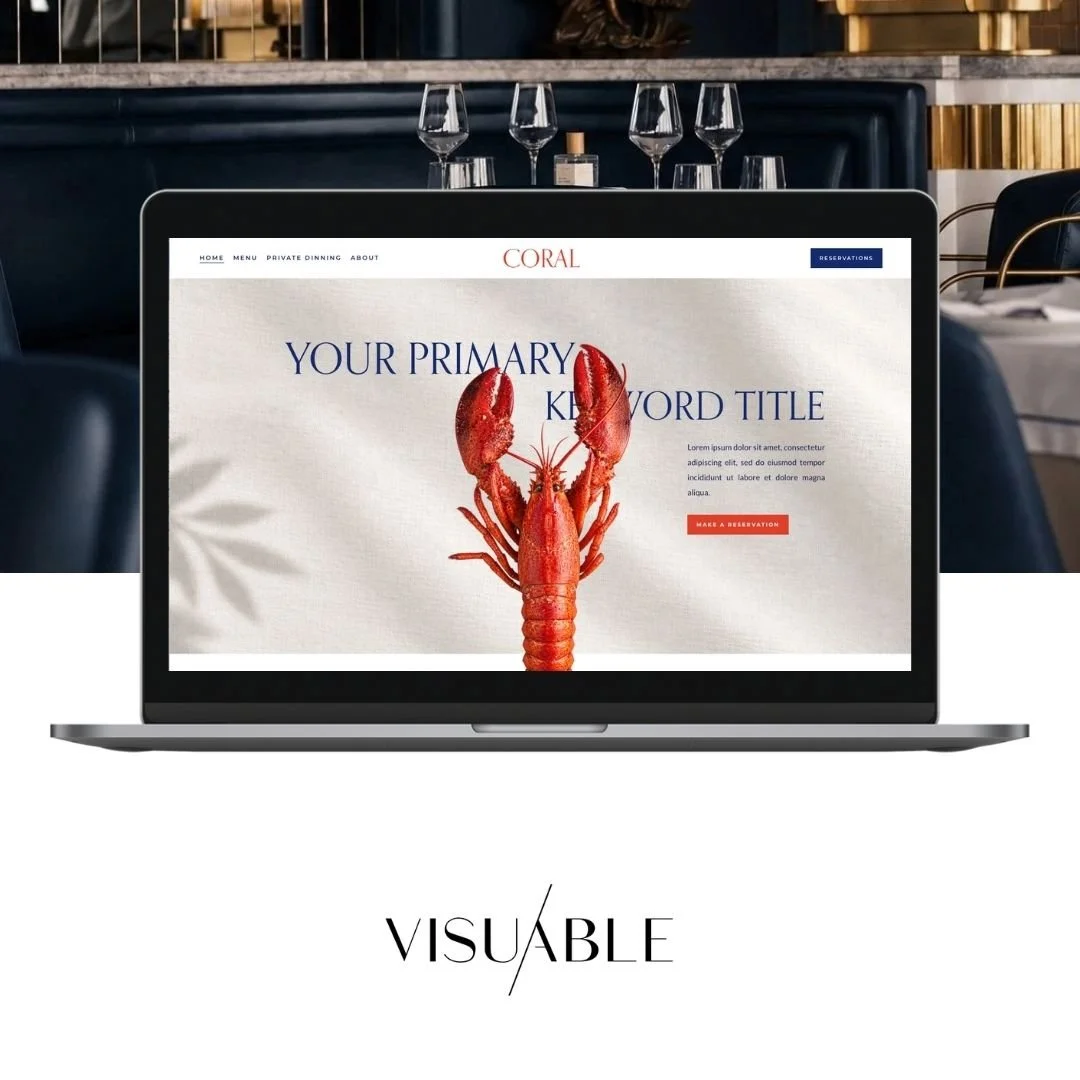
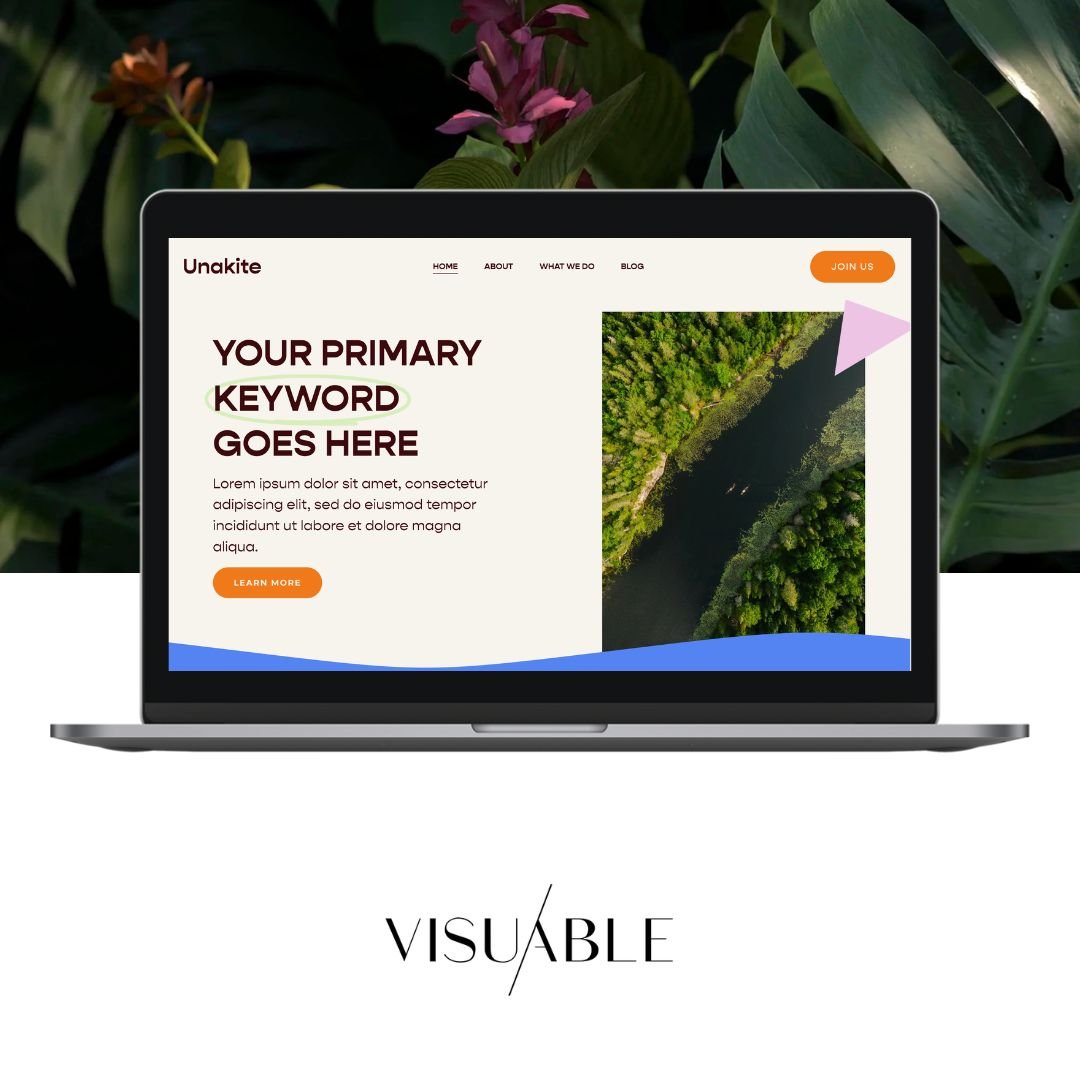
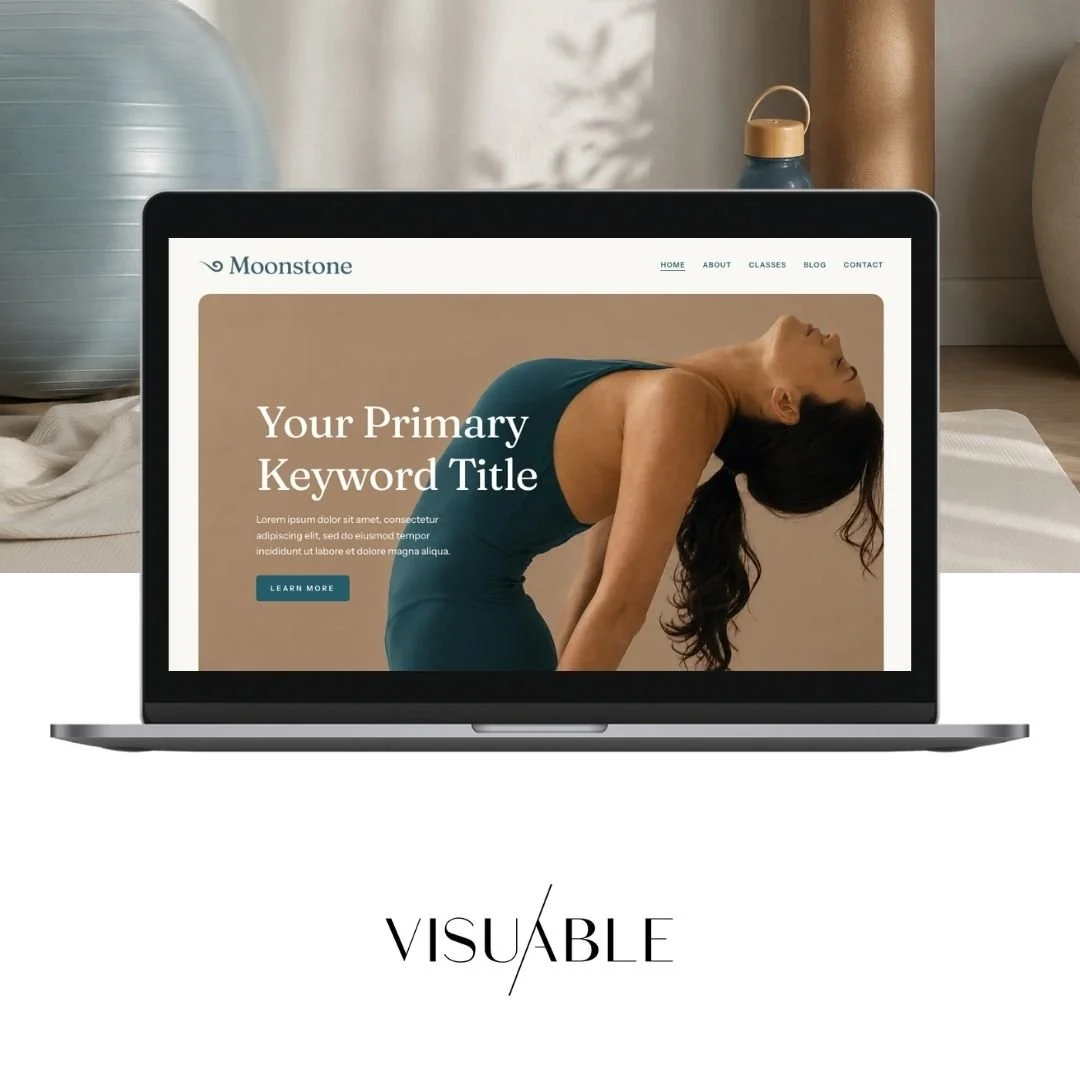
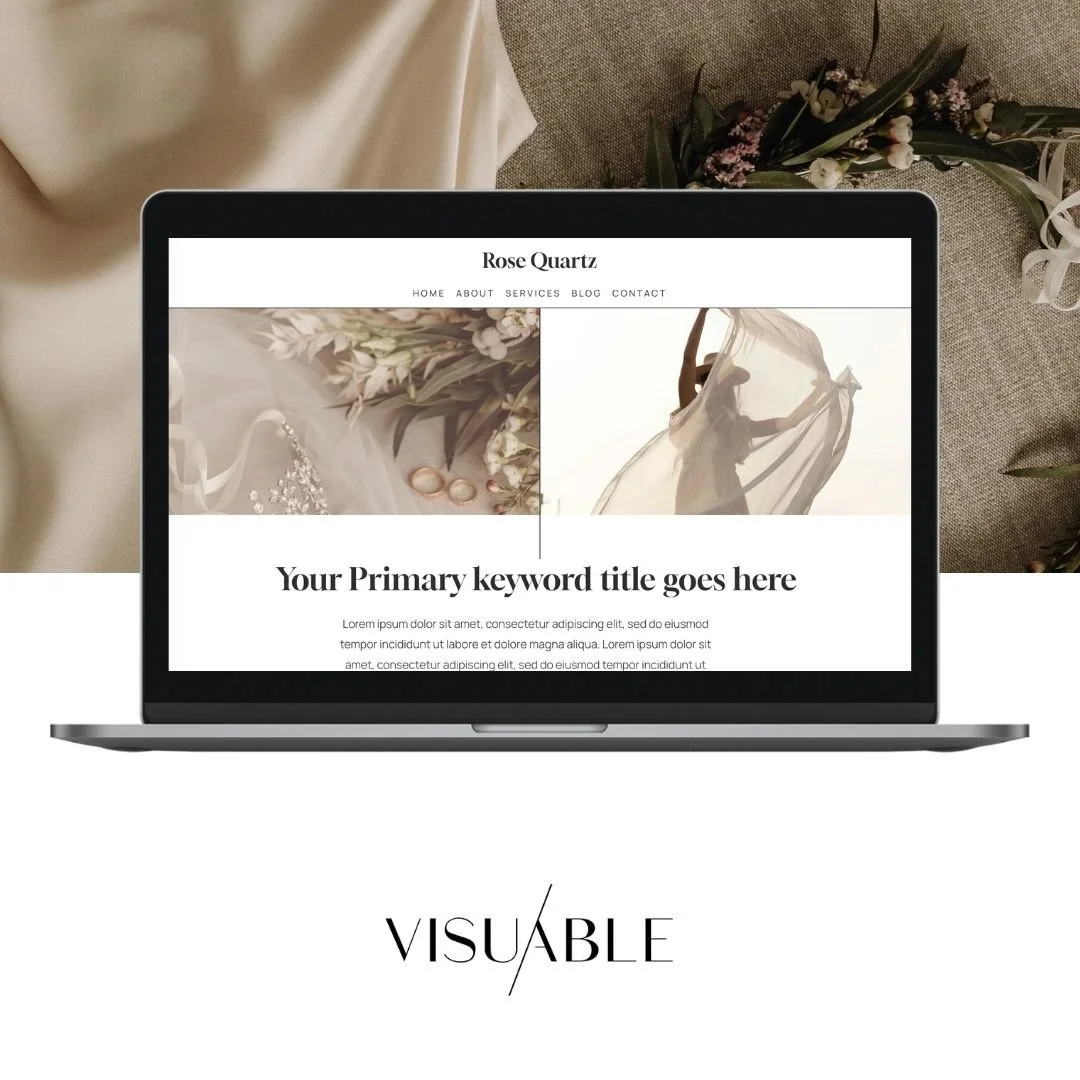
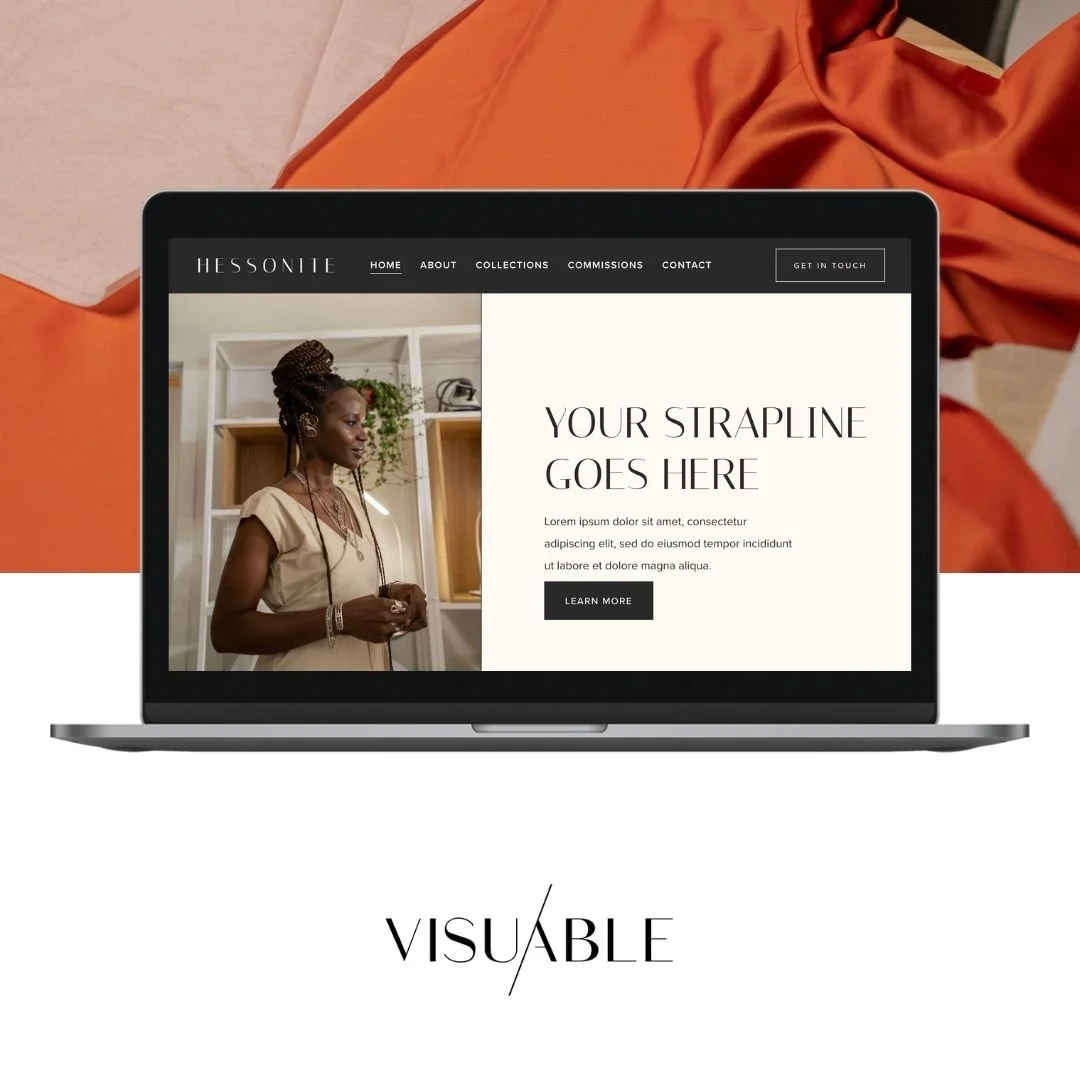
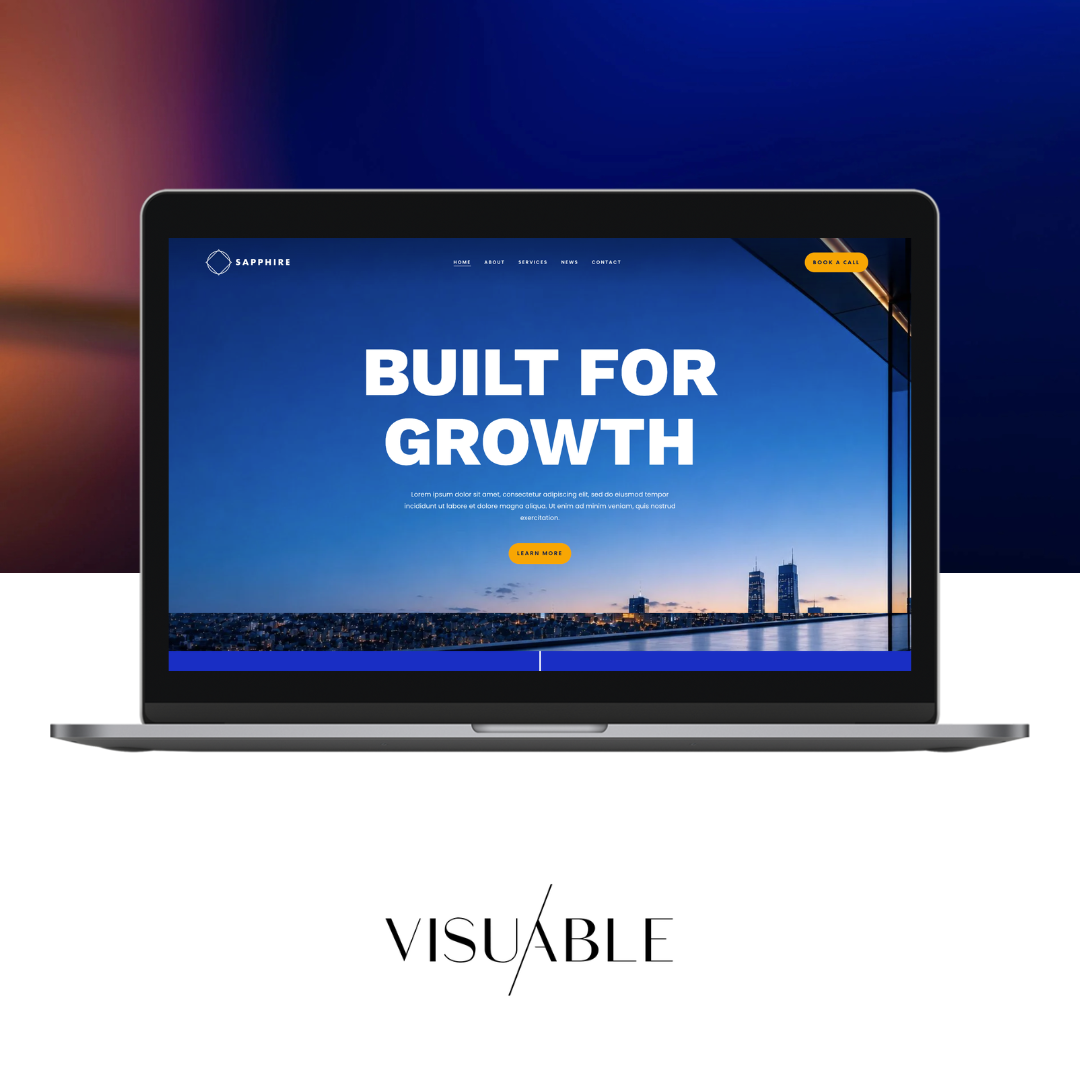
In simple terms, a Squarespace template is the starting point for your website’s design. It gives you a ready-made structure, layout, and style so you can launch faster without building everything from scratch.
That said, templates are only the beginning. With the right strategy and customisation, they become powerful tools to create a website that feels uniquely yours—and performs with purpose.
At Visuable, we take this even further. While we do start from templates, we transform them into strategic frameworks—built with SEO, user experience, and conversions in mind from day one.
Let’s break it all down.
Squarespace Templates: Understanding the Foundation for Your Website
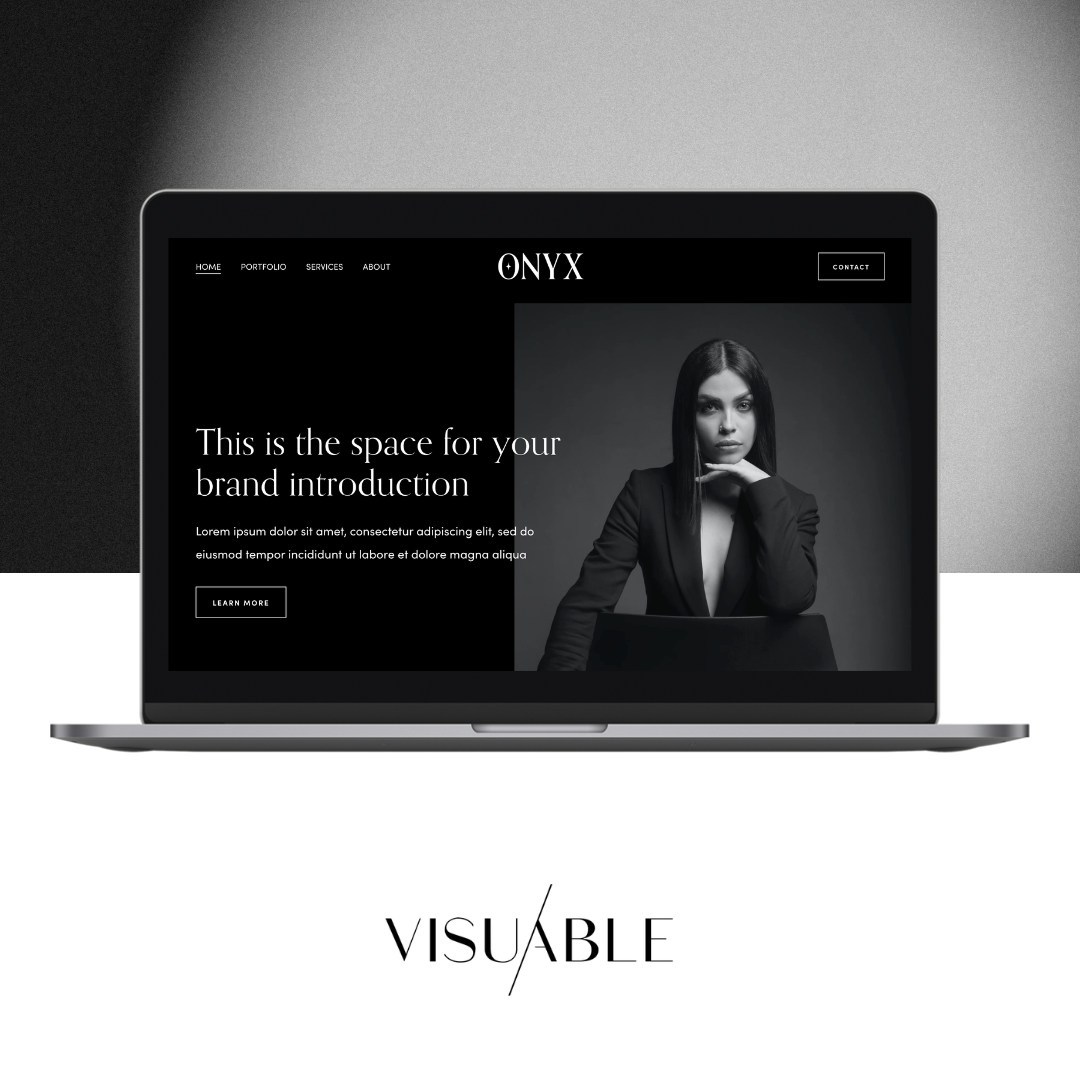
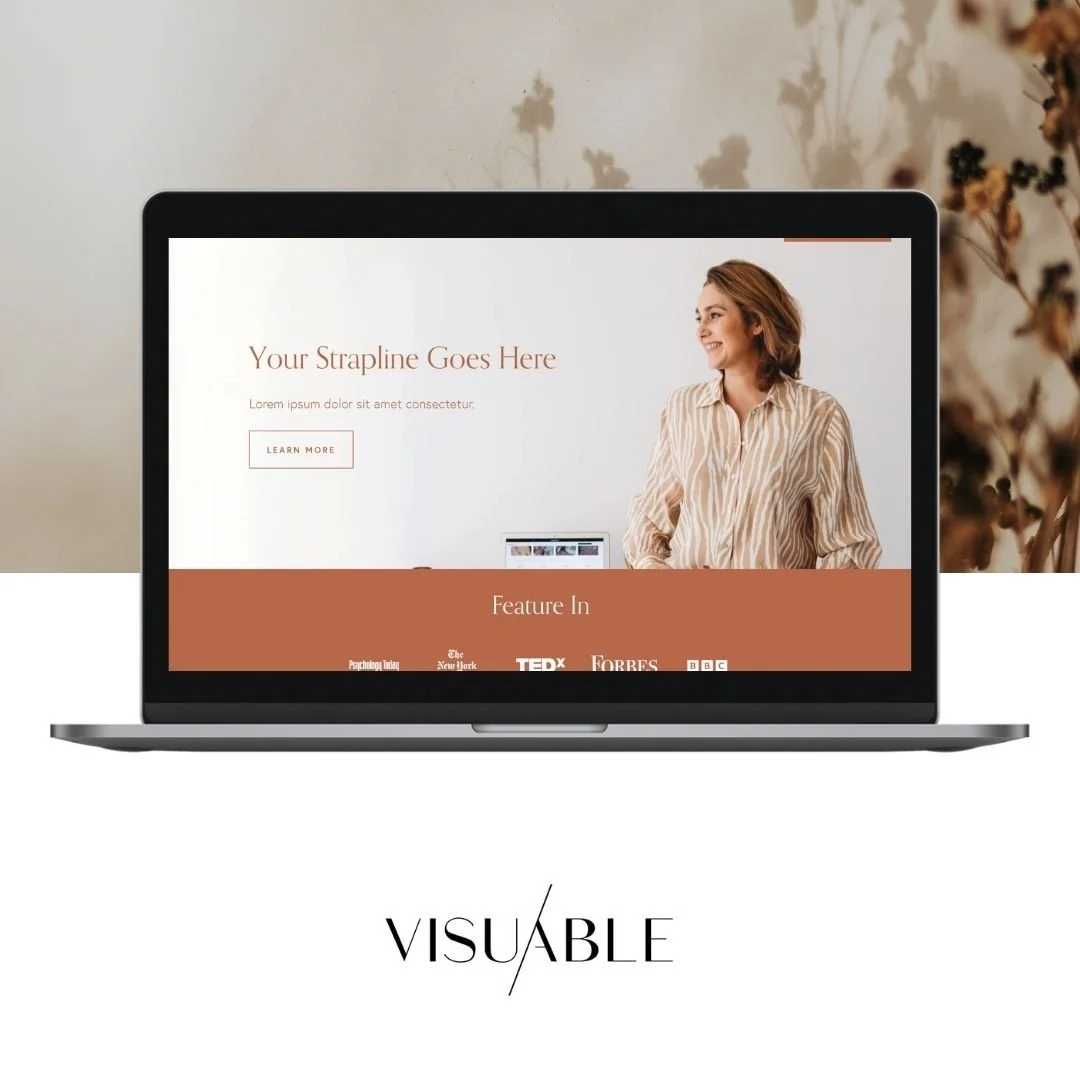
Squarespace templates are pre-designed website layouts built to help you create a professional-looking site quickly.
They include:
Page structures (home, about, services, contact)
Design styles (fonts, colours, spacing)
Built-in features (galleries, blogs, e-commerce)
Think of a template as your website’s framework—it sets the direction, but it doesn’t define the final result.
However, here’s where many people get stuck: templates are often treated as a finished product rather than a starting point.
At Visuable, we approach this differently.
We use templates as a base, then layer in a conversion-focused, SEO-ready structure—what we call a Squarespace framework. This means your website isn’t just visually appealing; it’s strategically built to guide users, communicate clearly, and support your business goals from the very first click.
Because ultimately, a beautiful website is only effective if it works.
Templates vs Frameworks: What’s the Real Difference?
Templates give you design. Frameworks give you direction.
While a standard Squarespace template focuses on layout and aesthetics, a Visuable framework goes deeper. It combines:
Intentional page structure (designed for user flow)
SEO-ready heading hierarchy and content placement
Conversion-driven sections and calls-to-action
Clear messaging aligned with your brand strategy
This approach ensures your website doesn’t just exist—it performs.
It’s also why structure matters far more than surface-level design. A polished layout might catch attention, but a well-built framework keeps people engaged, builds trust, and drives action.
Navigating the Squarespace Template Library: Finding the Right Starting Point
Squarespace offers a wide library of templates designed for different industries—from coaches and creatives to e-commerce brands.
When choosing the right one, focus on:
Structure over style: Look at the layout and functionality first. Colours and fonts can always be changed.
Your content needs: Do you need a blog, booking system, or shop? Choose a template that supports your goals.
User experience: Think about how visitors will move through your site. Is the navigation clear? Is the layout easy to follow?
A common mistake is choosing a template based purely on how it looks in the demo. Instead, think strategically: How will this support your growth?
Customizing Your Squarespace Template: A Step-by-Step Guide
Once you’ve chosen your template, the real work begins: customisation.
Here’s a simple process to guide you:
Define your brand direction
Start with clarity. Your colours, tone of voice, and messaging should reflect your brand.Update global styles
Adjust fonts, colours, and spacing to create a cohesive look.Build your pages
Add your content and structure each page with intention—clear headings, strong calls-to-action, and logical flow.Optimise for mobile
Squarespace templates are responsive, but fine-tuning ensures everything looks polished across devices.Add functionality
Integrate features like forms, scheduling, or e-commerce depending on your needs.
While Squarespace is user-friendly, thoughtful customisation is what elevates your site from “just a template” to a strategic digital experience.
Key Components of a Squarespace Template: Functionality and Design
To understand what makes a Squarespace template work, it helps to look at its core components:
Layout system: Defines how content is arranged on each page.
Style settings: Controls typography, colours, and visual consistency.
Sections and blocks: Drag-and-drop elements used to build your pages.
Built-in features: Blogs, galleries, shops, and integrations that extend functionality.
Together, these elements create a flexible system that balances ease of use with creative freedom.
Advanced Template Customization: Beyond the Basics
If you want your website to truly stand out, basic edits won’t be enough.
Advanced customisation can include:
Custom CSS for unique styling
Interactive elements and animations
Tailored user journeys and page structures
Conversion-focused layouts
At Visuable, we often design beyond the limitations of templates—building each section intentionally to align with the brand’s strategy and goals.
This is where templates evolve into something far more powerful.
Troubleshooting Common Squarespace Template Issues and Best Practices
Even with a great template, challenges can come up. Here are some common ones—and how to approach them:
Design feels generic → Refine your branding and customise layouts more deeply.
Site feels cluttered → Simplify sections and focus on clear messaging.
Slow loading speed → Optimise images and reduce unnecessary elements.
Poor SEO performance → Structure your headings properly and integrate keywords naturally.
Squarespace gives you a strong foundation, but ongoing optimisation ensures your website continues to grow with your business.
Real Examples: How Templates Become High-Performing Websites
The difference between a basic template and a strategic website is how it’s used.
Here are a few examples of how we’ve transformed templates into high-performing, brand-led websites:
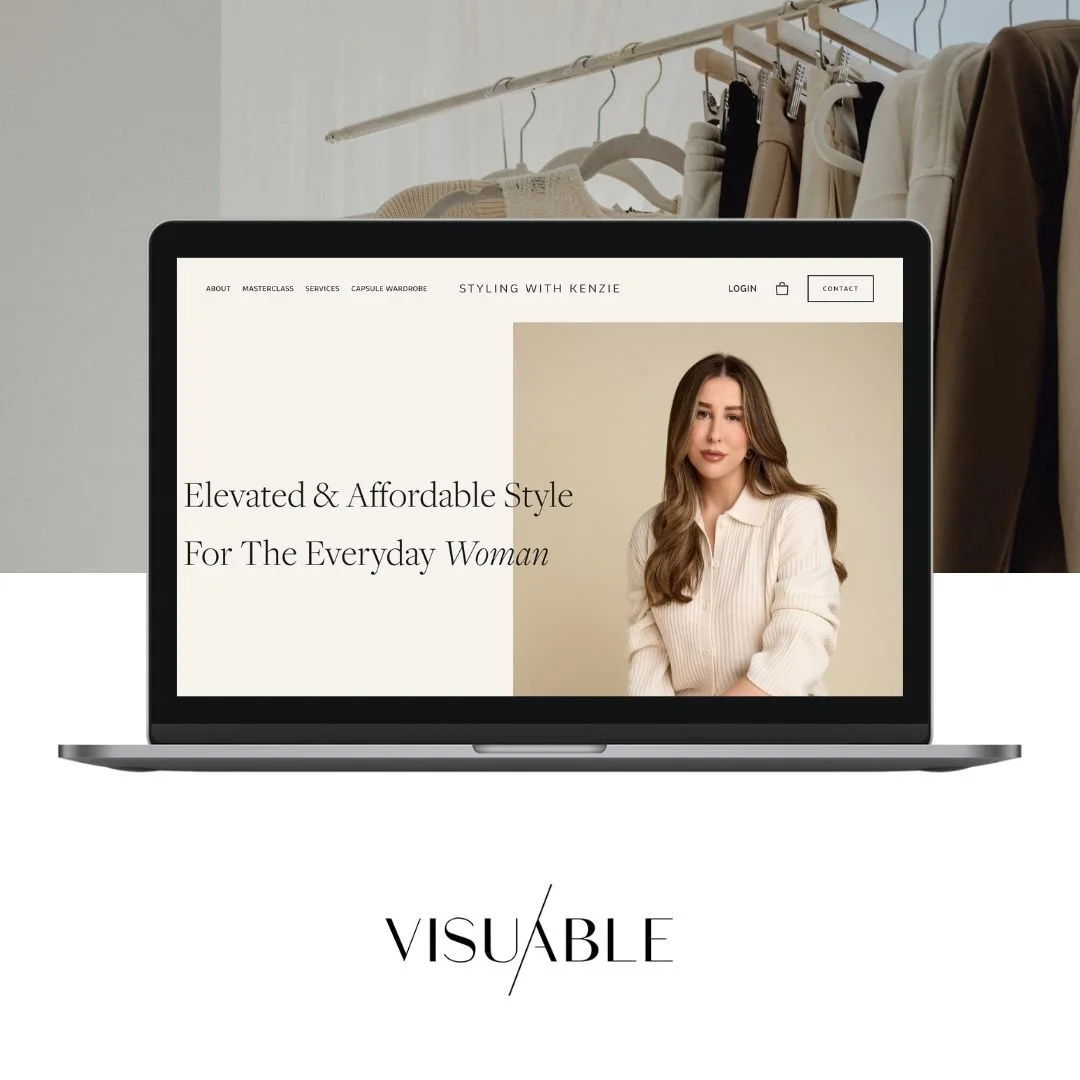
Styling with Kenzie
A personal styling brand with a clean, conversion-focused layout that guides users from inspiration to booking.
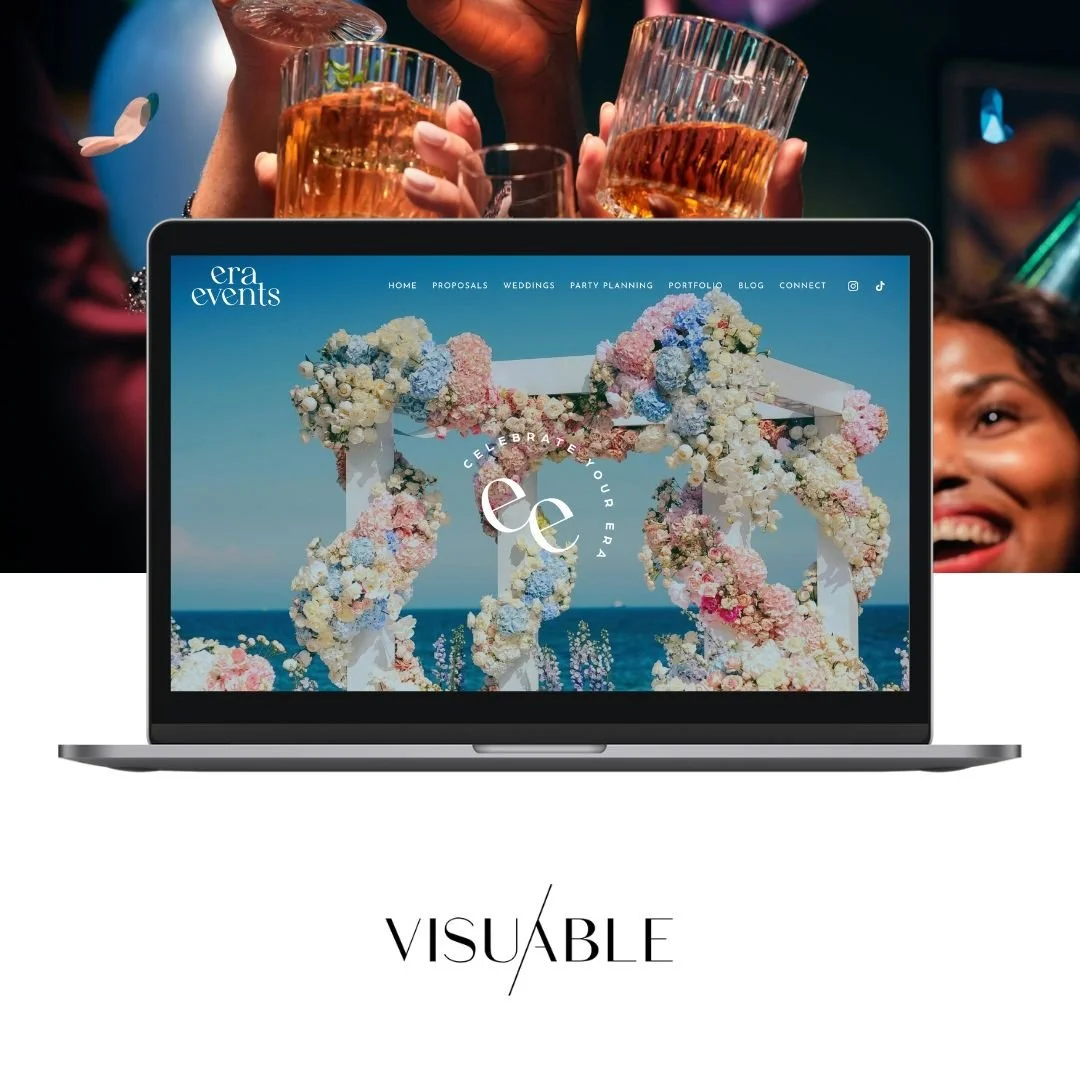
My Era Events
A bold, structured design that balances storytelling with clear service pathways.
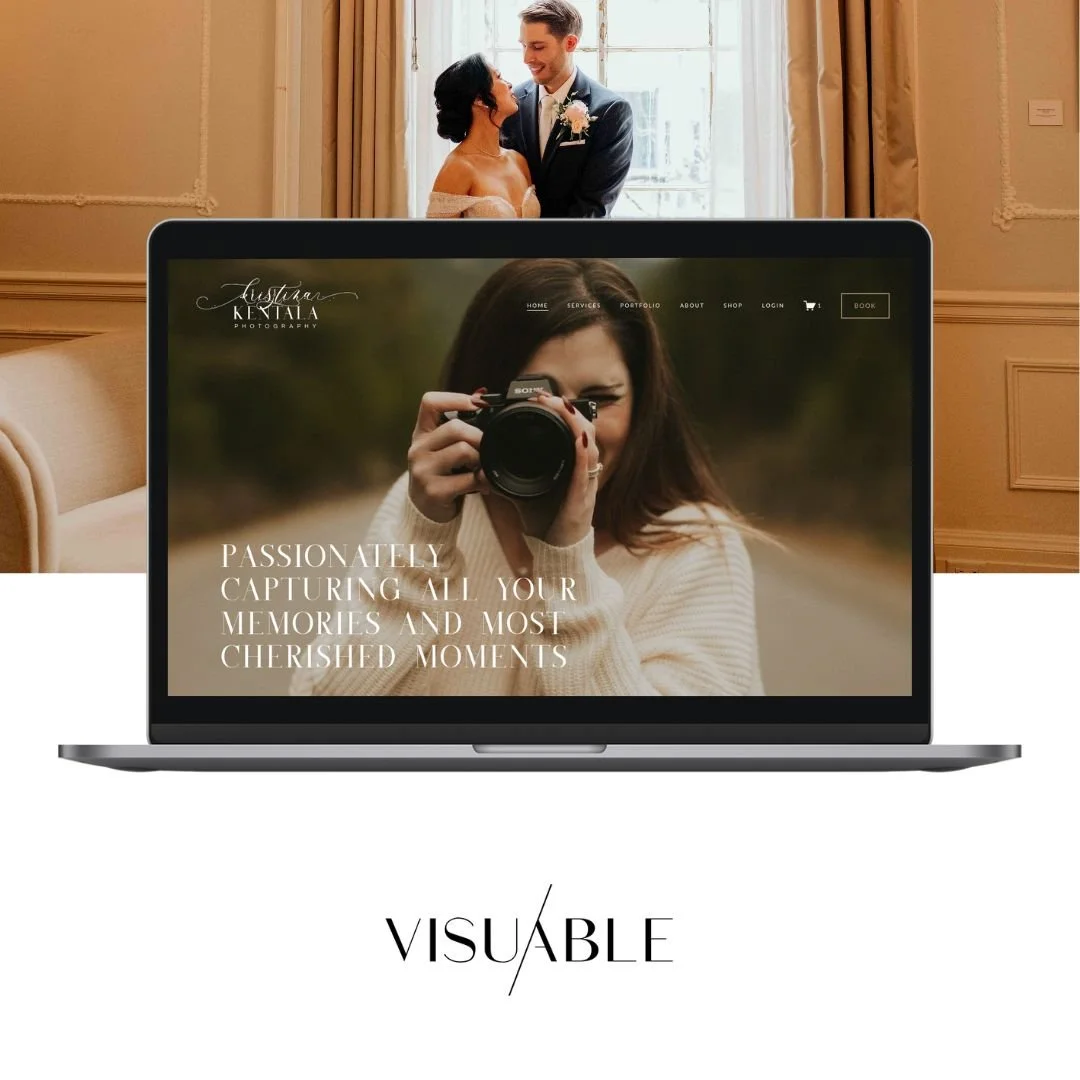
Krisztina Kentala Photography
A visually rich website built with a strong hierarchy to showcase work while maintaining user flow.
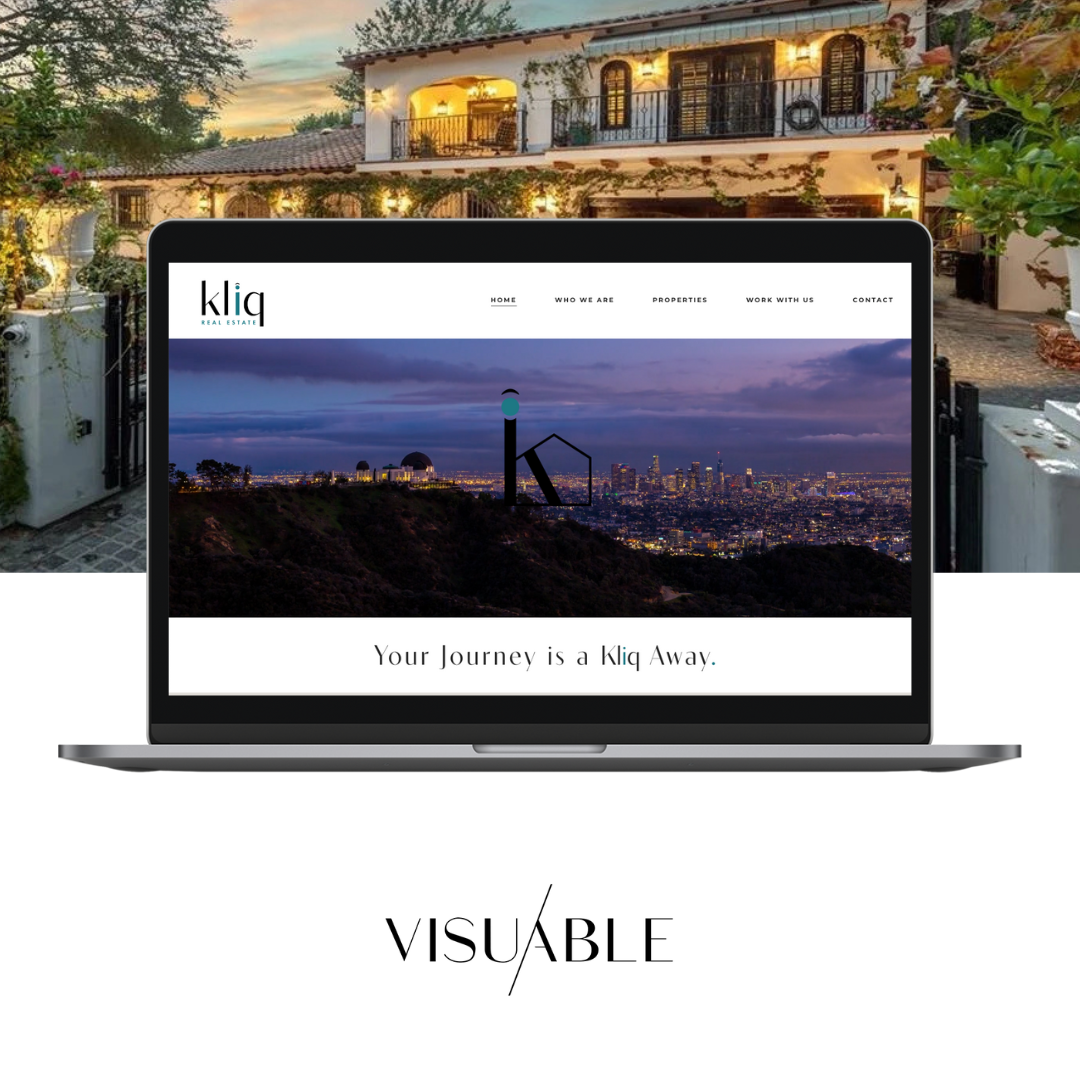
Kliq Realty
A strategic real estate website designed to build trust and drive enquiries through clear messaging and structure.

Stock Pitch Lab
A highly focused, finance-led platform where structure plays a key role in simplifying complex information and guiding users toward programme enrolment.
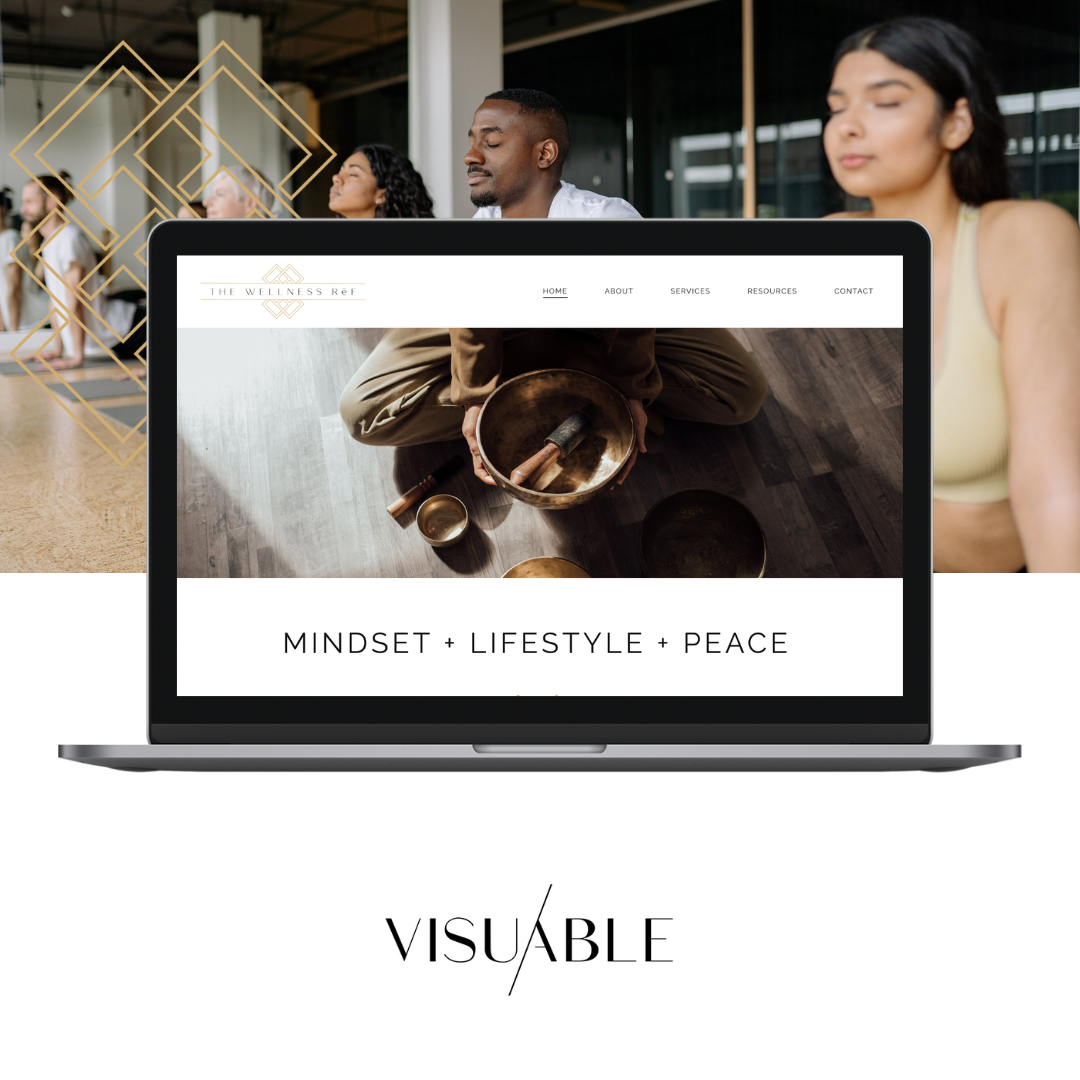
The Wellness Ref
A calming, content-led wellness platform designed with intentional flow, helping users explore services and resources in a way that feels intuitive and supportive.
Each of these started from a template—but what makes them effective is the strategy behind the structure.
Final Thoughts: Are Squarespace Templates Enough?
Squarespace templates are a brilliant starting point. They make website creation accessible, fast, and visually appealing.
But the real difference comes from how you use them.
With the right strategy, design thinking, and SEO approach, a template becomes more than a layout—it becomes a tool to grow your brand, connect with your audience, and drive real results.
If you’re ready to move beyond templates and create a website that truly reflects your vision, that’s where we come in.
Ready to Build More Than Just a Template?
Squarespace templates provide a fantastic starting point, but the most successful websites are built on strategy, not just design.
At Visuable, we combine the flexibility of Squarespace with proven SEO, user experience, and conversion principles to create websites that not only look beautiful but actively support your business goals.
Whether you're starting from scratch or looking to transform an existing template, we're here to help you create a website that feels uniquely yours—and works hard behind the scenes to attract the right audience.
FAQ: What Are Squarespace Templates?
-
They provide a ready-made design and structure for building websites quickly and efficiently.
-
Yes. You can adjust styles, layouts, and even use custom code to create a unique design.
-
They offer a strong technical foundation, especially when combined with strategic content and keyword optimisation.
-
Absolutely. Designers and agencies often use templates as a base, then customise them to create high-end, strategic websites.
-
Templates are a great starting point, but a fully custom approach offers more flexibility and brand alignment—especially for growing businesses.
Related Blogs