If you're building a professional website, every detail contributes to your brand identity. One of the smallest elements often makes a surprisingly strong impression. Your favicon on Squarespace appears in browser tabs, bookmarks, mobile shortcuts and search results, helping visitors instantly recognise your website among dozens of open tabs.
Although it only measures a few pixels, a well-designed favicon reinforces your branding, improves credibility and creates a more polished user experience. Fortunately, Squarespace makes it easy to upload and manage a favicon, even if you have no technical experience.
In this guide, we'll explain what a favicon is, why it matters, how to upload a favicon on Squarespace, common mistakes to avoid and best practices for creating one that represents your brand beautifully.
What Is a Favicon?
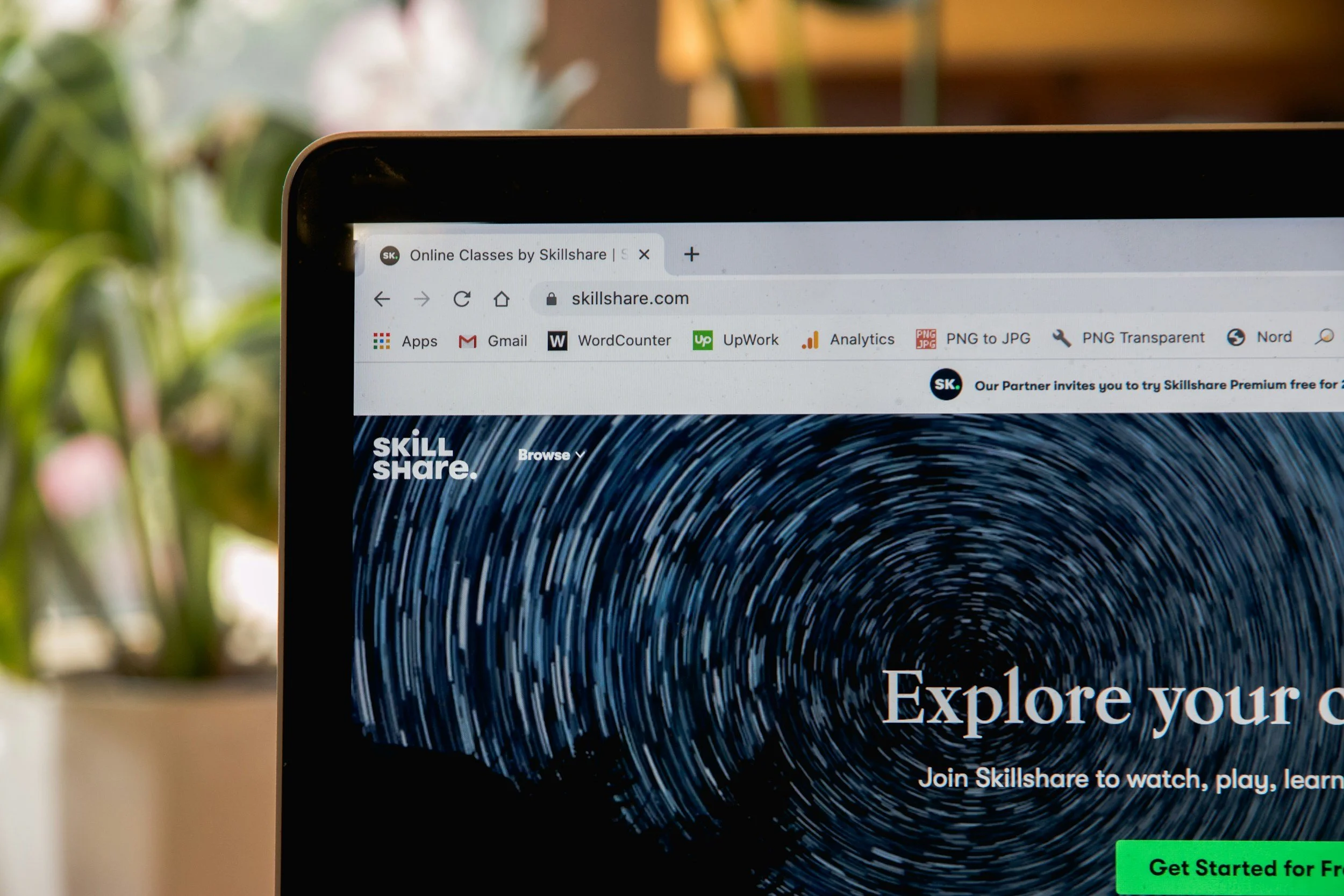
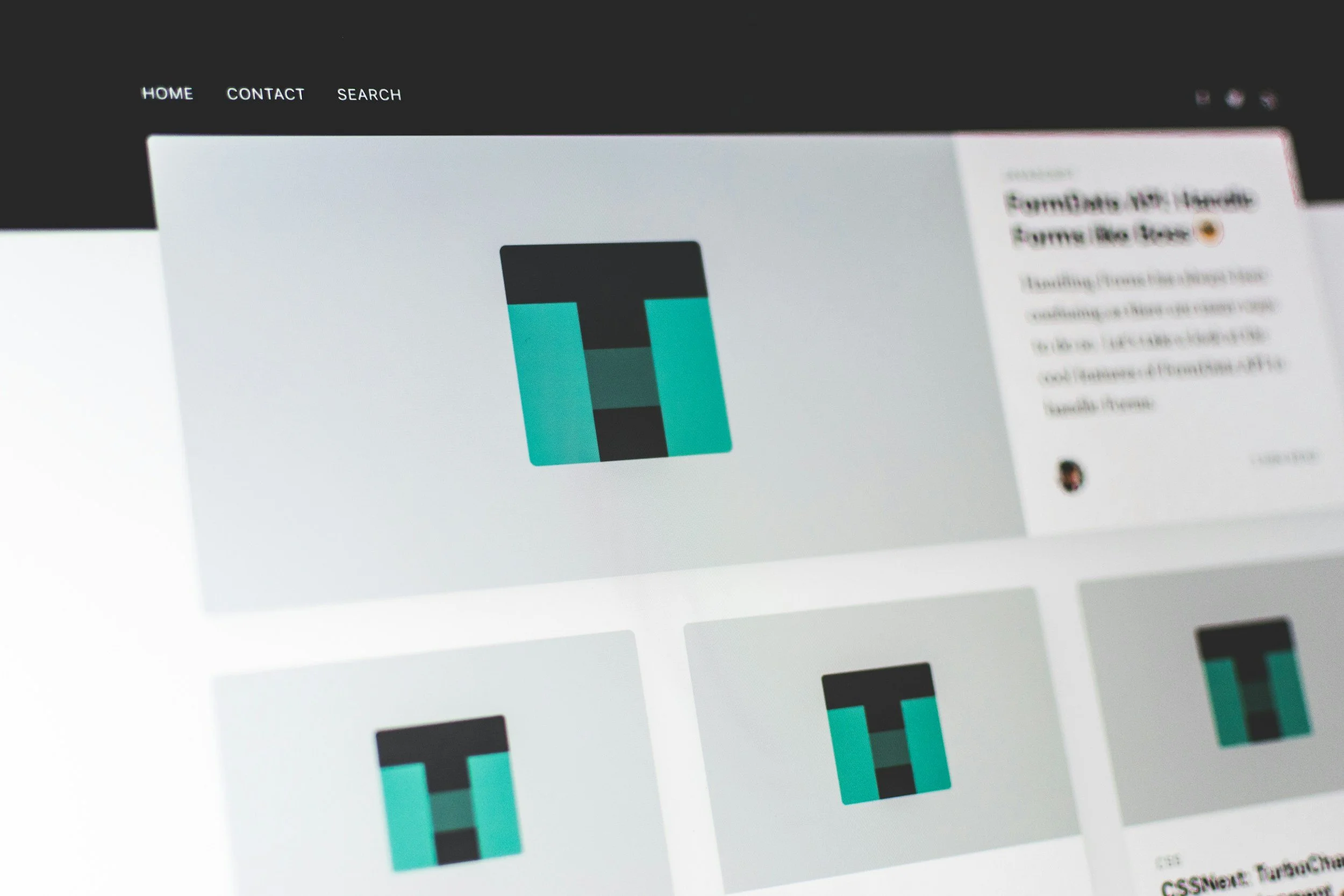
A favicon is the small icon displayed next to your website title in browser tabs. It may also appear in:
Browser bookmarks
Mobile home screen shortcuts
Browser history
Search results in some browsers
Pinned tabs
Bookmark folders
Think of it as the digital version of your storefront sign. Even though it's tiny, it helps visitors identify your website instantly.
For many businesses, the favicon is simply a simplified version of their logo. Others use a brand symbol, monogram or recognisable icon that remains clear even at very small sizes.
Why Your Favicon Matters More Than You Think
Many website owners focus entirely on homepage design while overlooking smaller branding details. Yet your favicon contributes to a professional online presence in several important ways.
Stronger Brand Recognition
People often browse with multiple tabs open simultaneously. A distinctive favicon on Squarespace makes your website immediately recognisable without users needing to read page titles.
Over time, repeated exposure strengthens brand familiarity.
Increased Trust
Small design details communicate professionalism.
When visitors notice consistent branding across your website, browser tabs and search results, they naturally perceive your business as more established and trustworthy.
An absent favicon often causes browsers to display a generic icon, making a website appear unfinished.
Better User Experience
Favicons help users quickly return to your website after opening multiple pages.
Rather than reading lengthy page titles, visitors simply recognise your icon.
This creates a smoother browsing experience and reduces frustration.
How to Add a Favicon on Squarespace
Adding a favicon on Squarespace takes only a few minutes.
Step 1: Prepare Your Image
Before uploading, create an icon that works well at very small sizes.
Squarespace recommends using a square image.
PNG files generally produce the best results because they support transparent backgrounds.
Step 2: Open Your Squarespace Dashboard
Log in to your Squarespace account and open the website you wish to edit.
Navigate to:
Design
Then select:
Browser Icon
Depending on your Squarespace version, this location may vary slightly, but the process remains very similar.
Step 3: Upload Your Favicon
Click Upload and choose your image.
Squarespace will automatically process the icon for browser compatibility.
Save your changes.
Step 4: Check the Result
Open your website in a new browser tab.
If you don't immediately see the updated icon, don't panic.
Browsers often cache favicons aggressively.
Try:
Refreshing the page
Opening an incognito window
Clearing your browser cache
Waiting several hours for browsers to refresh cached assets
What Size Should a Squarespace Favicon Be?
One of the most common questions involves image dimensions.
While browsers display favicons at around 16 × 16 or 32 × 32 pixels, it's best to upload a much larger version.
A recommended size is: 512 × 512 pixels
This allows browsers and devices to generate multiple versions for different screen resolutions.
Uploading a higher resolution image ensures your favicon on Squarespace looks crisp across desktops, tablets and mobile devices.
Choosing the Right Design
Because favicons appear extremely small, simplicity is essential.
The most successful designs include:
A single letter
A recognisable logo symbol
A geometric icon
A simplified brand mark
Avoid squeezing full logos with text into the favicon.
Tiny lettering quickly becomes unreadable.
Instead, focus on the most memorable element of your visual identity.
PNG vs ICO Files
Historically, websites used ICO files.
Today, Squarespace fully supports PNG uploads, making them the preferred option.
PNG files provide:
Higher quality
Transparent backgrounds
Simpler editing
Better compatibility
Unless you have a specific reason to use ICO, PNG remains the safest choice.
Common Favicon Mistakes
Even though favicons are small, several mistakes can reduce their effectiveness.
Using a Full Logo
Detailed logos rarely scale well.
Text becomes blurry and fine details disappear.
Simplifying your design creates a much stronger result.
Low Resolution Images
Uploading a tiny image may cause pixelation.
Always begin with a high-quality source file.
Poor Contrast
Remember that browser tabs use different background colours.
Your favicon should remain visible against both light and dark interfaces.
Test your design in multiple browsers before publishing.
Ignoring Brand Consistency
Your favicon should match the rest of your visual identity.
Colours, shapes and symbols should align with your logo and branding to create a cohesive experience.
Why Your Favicon Sometimes Doesn't Update
Many Squarespace users upload a new favicon only to discover the old one still appears.
Fortunately, this is usually a browser caching issue rather than a Squarespace problem.
Browsers store favicons locally to improve loading speed.
If your old icon remains visible, try:
Opening the site in another browser.
Viewing it on another device.
Using private browsing.
Clearing cached images.
Waiting up to 24 hours.
In nearly every case, the updated favicon eventually appears automatically.
Should Every Squarespace Website Have a Favicon?
Absolutely.
Whether you operate a portfolio, online shop, consultancy or personal blog, adding a favicon on Squarespace helps create a polished online presence.
It's one of the quickest branding improvements you can make.
Visitors may not consciously notice a great favicon, but they often notice when it's missing.
Professional websites consistently pay attention to these details because every interaction shapes the overall impression of the brand.
Beyond Favicons: Building a Consistent Brand
A favicon works best when it forms part of a broader branding strategy.
Strong visual consistency includes:
Professional logo design
Consistent typography
A carefully selected colour palette
High-quality imagery
Clear messaging
Thoughtful user experience
When these elements work together, visitors quickly recognise and remember your business.
If you're planning a full Squarespace website or refreshing your current design, investing in your visual identity can have a lasting impact. At Visuable, every Squarespace website is designed from scratch to reflect each client's unique brand, with thoughtful details such as favicons, typography, colours and user experience working together to create a cohesive online presence. Our team also offers branding, copywriting and SEO services, helping businesses create websites that not only look beautiful but also support long-term growth and visibility.
Final Thoughts
A favicon on Squarespace may be one of the smallest elements on your website, but it plays an important role in creating a memorable and professional online presence.
By choosing a clean, recognisable design and uploading a high-quality image, you'll improve brand recognition, strengthen credibility and provide a smoother experience for your visitors.
Sometimes, the smallest details create the strongest impression.
Ready to Elevate Your Squarespace Website?
A polished favicon is just one of the many details that help your website make a lasting impression. When every element of your brand works together, from your logo and typography to your SEO and user experience, your website becomes a powerful tool for attracting the right audience and building trust.
At Visuable, we specialise in creating custom Squarespace websites that combine strategic design, compelling copywriting and SEO best practices to help your business grow. Whether you're launching a new website or refreshing an existing one, we'll help you create an online presence that looks exceptional and performs beautifully.
FAQs
-
A favicon on Squarespace is the small icon displayed in browser tabs, bookmarks and shortcuts that helps visitors recognise your website.
-
A 512 × 512 pixel PNG image is recommended. Squarespace automatically creates the sizes required for different browsers and devices.
-
Browsers often cache favicons. Try clearing your cache, opening your site in an incognito window or waiting several hours for the update to appear.
-
Yes, provided your logo is simple enough to remain clear at small sizes. Many businesses use a logo symbol or monogram instead of their full logo.
-
A favicon is not a direct ranking factor, but it improves branding, user experience and click recognition, all of which contribute to a stronger overall website experience.
-
Yes. You can upload a new favicon whenever you update your branding, redesign your logo or simply want to refresh your website's appearance.
Related Blogs