
A beautiful website is only part of a strong online presence. Once your site is live, the next question is whether it is actually doing its job. Are people finding you? Which pages are getting their attention? Where are visitors coming from? And, most importantly, are those visits turning into enquiries, bookings or sales?
This is where Squarespace Analytics becomes incredibly useful. Built directly into Squarespace, it gives you a clearer picture of how people discover and interact with your website without requiring you to become a data expert. Squarespace describes its analytics platform as a way to understand website performance through reports covering pageviews, conversions, sales, referrers and bounce rate, with additional commerce insights available for online stores.
At Visuable, we believe your website should combine creativity with strategy. Analytics helps connect those two worlds. Rather than making changes because something simply feels like it might work better, you can use real visitor behaviour to guide your next decision.
What is Squarespace Analytics?
Squarespace Analytics is the platform's built-in reporting system. You can access it from your Squarespace dashboard and use it to understand how your website is performing across areas such as traffic, content, search, engagement and sales.
For business owners, this turns website activity into something much more tangible. Instead of simply knowing that your site is online, you can start seeing how many people visit, which content attracts attention and which marketing channels bring people to you.
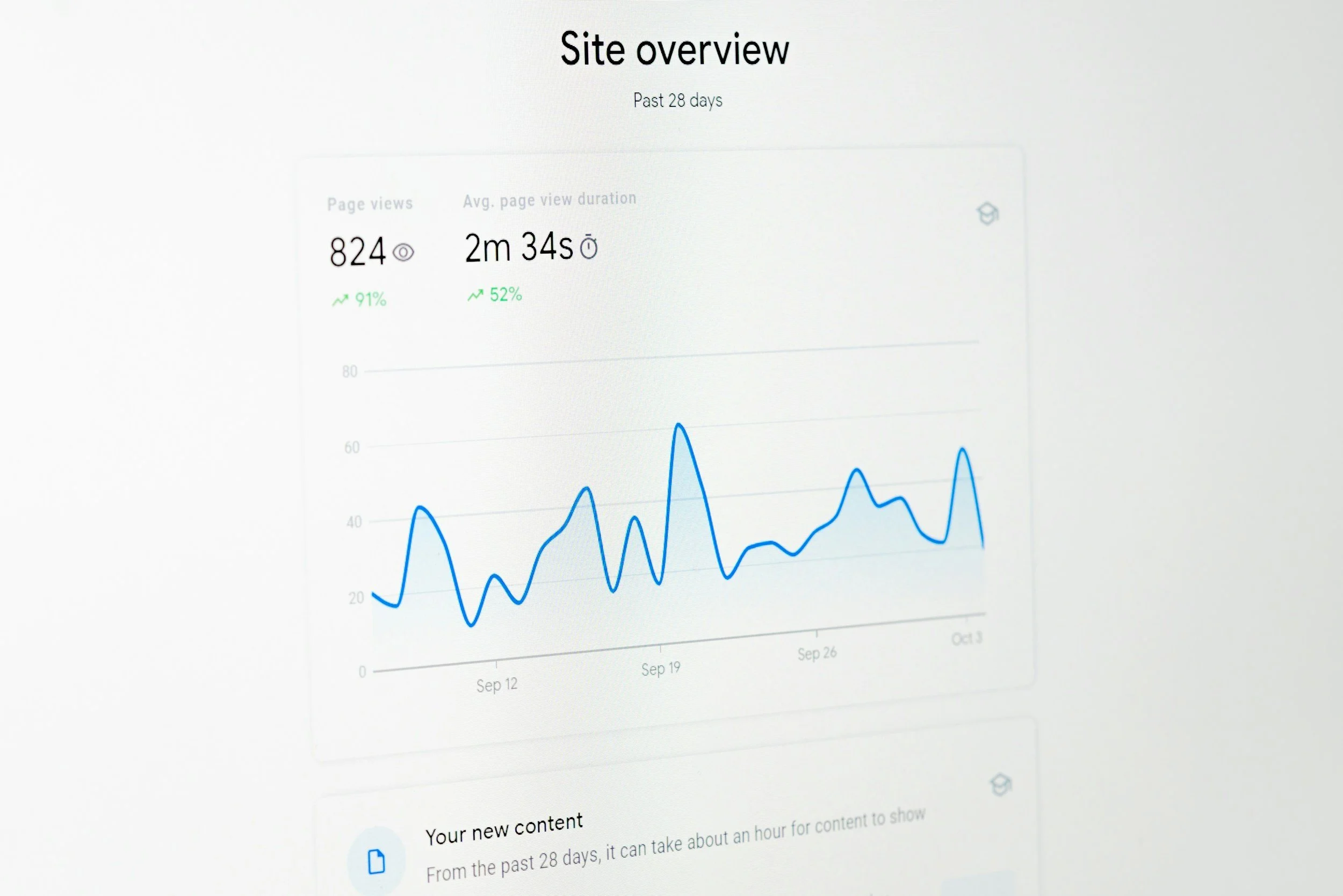
The Traffic panel, for example, tracks visits, pageviews and estimated unique visitors. Squarespace also lets you select different date ranges, making it easier to compare performance and understand how your audience is growing over time.
That information becomes especially valuable after launching a new website, publishing SEO content, promoting your business on social media or running an email campaign. You have something concrete to review rather than relying entirely on assumptions.
The Squarespace Analytics metrics worth understanding
Opening an analytics dashboard can feel like being presented with a lot of numbers at once. The key is remembering that you rarely need to monitor everything.
Start with the metrics that answer a meaningful business question.
Website traffic
Traffic gives you a broad view of how many people are reaching your website. Squarespace separates this into visits, pageviews and unique visitors.
Rather than focusing on one isolated number, look at patterns. Is your traffic gradually increasing? Did publishing several optimised articles create noticeable growth? Did a particular campaign produce a spike in visitors?
Context makes the number useful.
If your website received more traffic this month than last month, for example, your next question should be where that growth came from. This moves you from simply collecting data to understanding what is contributing to your visibility.
Traffic sources
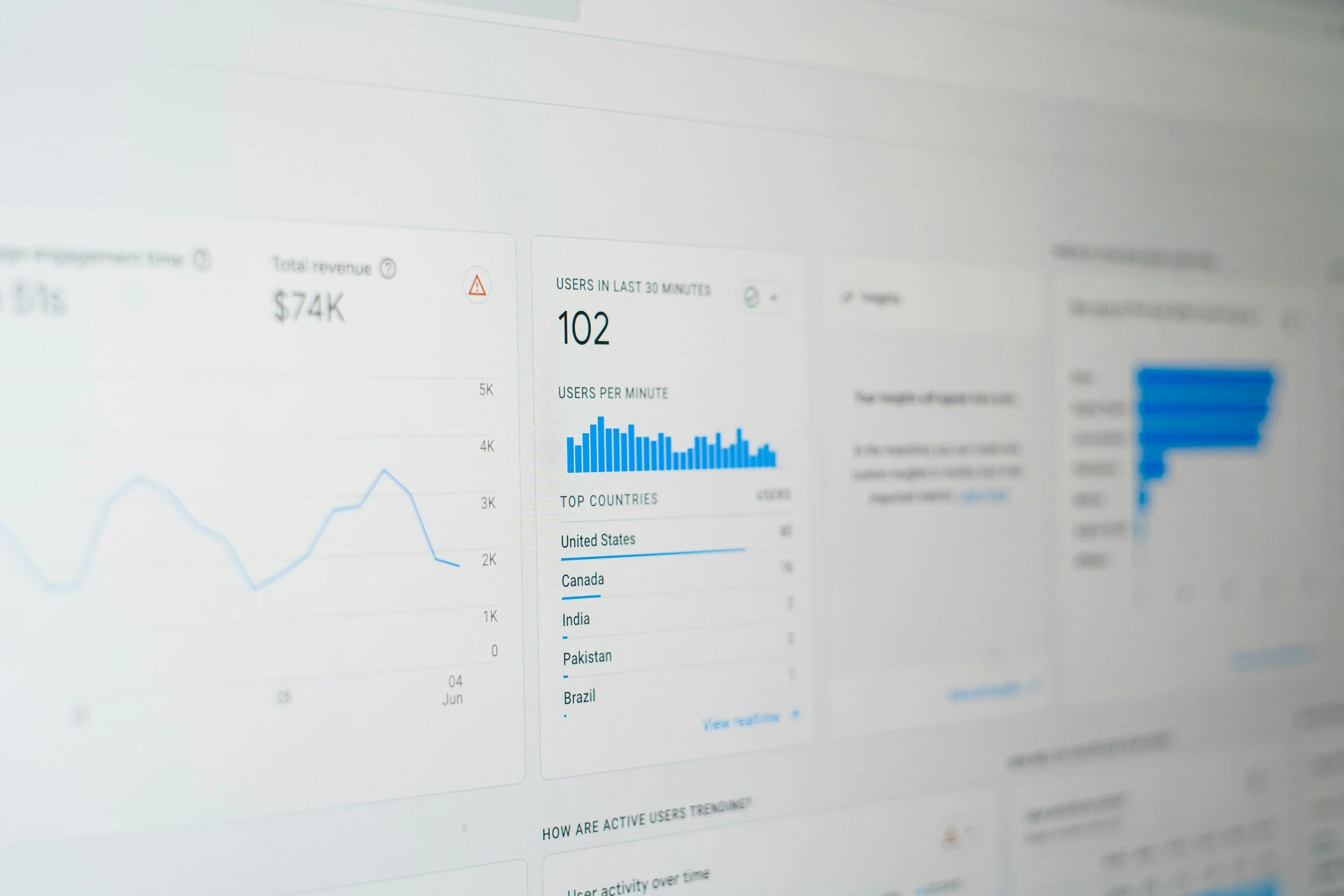
Traffic sources are one of the most useful areas of Squarespace Analytics because they show how visitors reached your website.
Squarespace groups traffic into channels including Search, Social, Email, Referral and Direct, with paid traffic reporting varying depending on your plan. Its Traffic Sources panel can also provide commerce data such as revenue, orders and conversion rate on eligible plans.
This can help you understand which parts of your wider marketing strategy are working.
You might discover that organic search is consistently attracting visitors to your services, while Instagram creates plenty of visits without generating the same level of enquiries. Alternatively, an email campaign may bring fewer visitors overall while attracting people who are much more likely to buy.
That distinction matters. More traffic is not automatically better traffic.
Popular pages and content
Your most visited pages can reveal a lot about what your audience wants from you.
Squarespace's Site Content analytics can help you identify frequently viewed pages and understand engagement with individual content. If one service page consistently attracts more visitors than another, there may be stronger demand for that service. If a blog article continues bringing visitors months after publication, it may be worth expanding that topic into related articles.
Look beyond popularity alone. Consider what each page is supposed to achieve.
A blog article might exist primarily to attract new visitors through search, while a service page needs to encourage enquiries. Your Contact page has a completely different purpose again. Measuring every page against the same goal can give you a misleading picture of performance.
Using Squarespace Analytics for SEO
For anyone investing in SEO, Squarespace Analytics can become an important part of understanding progress.
SEO is rarely about publishing an optimised page and waiting for the enquiries to arrive. Sustainable search visibility requires strategy, useful content and ongoing refinement. Visuable's SEO approach combines elements such as technical foundations, keyword research, content optimisation and ongoing analysis to support long-term growth.
One particularly useful area is Search Keywords. Squarespace's Search Keywords panel shows the search terms sending visitors to your website. Connecting Google Search Console also allows search keyword information to feed into your Squarespace analytics experience.
This gives you clues about the relationship between what you publish and what your audience actually searches for.
For example, imagine you are a wedding photographer and notice that a guide about intimate weddings consistently attracts organic visitors. That could inspire additional content around small wedding venues, planning intimate ceremonies or photography for destination elopements. Instead of choosing topics randomly, you are creating content around demonstrated audience interest.
This is one reason we view SEO as an ongoing growth strategy rather than a one-off website task. Visuable's current SEO services include options for keyword research, competitor analysis, SEO copywriting, technical improvements and ongoing authority building through strategic content.
Understanding conversions, not just visitors
Traffic is encouraging. Action is even more valuable.
If your website exists to generate leads, bookings or purchases, understanding conversions should become part of your regular analytics review.
On eligible Squarespace plans, the Form & Button Conversions report can show views, button clicks, form submissions and associated conversion rates. Squarespace defines that conversion rate as the percentage of views that result in a button click or form submission.
This can reveal whether people are simply browsing or taking the next step.
For example, imagine 1,000 people visit a service page. That sounds promising. If almost nobody clicks your enquiry button, however, there may be an opportunity to improve the page.
You might review:
Whether the value of the service is immediately clear.
Whether your calls to action appear at natural decision points.
Whether the page provides enough proof and reassurance.
Whether visitors can easily understand what happens after they enquire.
Whether the design makes important information easy to find.
Analytics does not automatically tell you why something happens. It shows you where to investigate.
That distinction is important. A low conversion rate does not necessarily mean you need a complete redesign. Sometimes clearer copy, stronger calls to action or a more intuitive page structure can create a meaningful improvement.
Squarespace Analytics for ecommerce websites
For ecommerce businesses, analytics becomes even more closely connected to commercial decisions.
Squarespace's Sales analytics can provide information about revenue, order volume, conversion and average order value, depending on your plan and setup. It can also compare performance by source and product, helping store owners understand which channels and products are contributing most strongly to revenue.
This means you can move beyond asking, "How many people visited my shop?" and start asking much more useful questions.
Which products attract attention? Which products actually sell? Where are your highest value customers coming from? Are visitors reaching checkout? Which marketing channels generate revenue rather than visits alone?
For an ecommerce brand, those insights can influence product promotion, content strategy, email marketing and even website design. If one category receives substantial traffic but limited sales, for example, you could review product descriptions, imagery, pricing communication and the overall buying journey.
At Visuable, our ecommerce website work combines brand-focused design with practical functionality, including product setup, payment integration, mobile optimisation and technical SEO foundations. Analytics then gives you another layer of insight once customers begin interacting with that experience.
Should you use Squarespace Analytics or Google Analytics?
You do not necessarily need to choose one.
Squarespace Analytics is particularly useful when you want an accessible overview of your website without navigating a more complex analytics platform. Because it sits directly inside Squarespace, it is convenient for checking traffic, content, sources, conversions and commerce performance.
Google Analytics can add another layer of reporting when you need more detailed analysis.
Squarespace currently provides a built in Google Analytics integration using a Google Analytics 4 measurement ID. According to Squarespace, once the measurement ID is added, statistics can take up to 24 hours to populate in Google Analytics.
For many small business owners, Squarespace's native reporting is an excellent place to start. As your marketing becomes more sophisticated, combining it with Google Analytics and Google Search Console can give you a broader view of website and search performance.
How often should you check Squarespace Analytics?
Checking your analytics every morning rarely helps. Website data becomes more meaningful when you give patterns enough time to emerge.
For many businesses, a monthly review provides a useful rhythm. You can compare results with the previous period while looking at what changed in your marketing during that time.
During your review, consider four simple questions:
Is qualified website traffic growing?
Which sources and content are contributing to that growth?
Are visitors taking the actions we want them to take?
What should we improve or test next?
This keeps your attention on progress rather than individual fluctuations.
SEO deserves particular patience. Visuable's guidance notes that improvements from Squarespace SEO can generally take around three to six months, depending on factors such as the industry, competition and keywords being targeted. Reviewing trends over meaningful periods gives you a much clearer perspective than reacting to a quiet day or an unusually busy week.
Turning Squarespace Analytics into a smarter website strategy
Data becomes powerful when you do something with it.
If your analytics shows that search traffic is increasing, continue building relevant, strategically optimised content. If one article attracts a particularly engaged audience, explore related topics. If visitors repeatedly reach a service page without enquiring, review its messaging and conversion pathway. If a particular referral source sends valuable customers, consider how you could strengthen that relationship.
The goal is not to chase every metric upwards. It is to understand what supports your business goals.
At Visuable, we create Squarespace websites around a combination of strategy, design, copywriting and SEO, with technical SEO foundations and client training included within our custom Squarespace website approach. Our brand philosophy is equally focused on making complex concepts clear, practical and empowering, rather than overwhelming people with unnecessary jargon.
Your analytics should work the same way.
You do not need to become obsessed with numbers. You simply need to understand the right ones well enough to make confident decisions.
Used thoughtfully, Squarespace Analytics can show you what is gaining attention, what is encouraging action and where your next opportunity may be. Combine those insights with a clear SEO strategy, compelling copy and considered website design, and your website becomes more than something beautiful to look at. It becomes a platform you can continually refine as your business grows.
Ready to turn your website data into real growth?
Understanding Squarespace Analytics is a great first step. The real value comes from knowing what to do with those insights. If your data is showing opportunities to improve your search visibility, content or website performance, Visuable can help you turn those opportunities into a clear strategy.
From strategic Squarespace SEO and copywriting to website design and ongoing optimisation, we’ll help you create a stronger digital presence that attracts the right audience and supports your next stage of growth.
FAQs
-
Yes. Squarespace has its own analytics platform, with reporting around areas such as traffic, traffic sources, content, search, engagement and sales. The exact reports and data available can depend on your website setup and Squarespace plan.
-
You can track metrics including visits, pageviews and unique visitors, alongside traffic sources, popular content and search keywords. Eligible plans and commerce websites can access additional information around form and button conversions, revenue, orders and ecommerce performance.
-
Squarespace Analytics can help you understand organic traffic and which search terms are bringing people to your website. For a more complete SEO picture, we recommend combining your website analytics with Google Search Console and a broader SEO strategy covering keyword research, content, technical optimisation and ongoing improvement.
-
Yes. Squarespace has a built in Google Analytics integration. You can connect a Google Analytics 4 property by adding its measurement ID within Squarespace's Developer Tools and External API Keys settings.
-
Start with your business objective rather than a universal benchmark. A service business may prioritise qualified organic traffic, form submissions and consultation enquiries, while an ecommerce business may focus more heavily on conversion rate, orders and revenue. Compare your results over time and look for sustainable progress towards the actions that matter to your business.
-
Yes. Visuable offers Squarespace website design alongside SEO, copywriting, ecommerce and ongoing optimisation services. Our SEO services range from essential keyword and metadata strategy through to SEO copywriting, complete SEO focused website builds and ongoing subscriptions designed to grow visibility over time.
Related Blogs