Step-by-Step Guide: Change Your Squarespace Template Easily

Ready to refresh your website’s look? Our step-by-step guide will help you change your Squarespace template easily, transforming your site in no time!
Why Change Your Squarespace Template?
Your website is an extension of your brand, and keeping it fresh and engaging is crucial for attracting and retaining visitors. Over time, your business might evolve, requiring a website that better aligns with your new vision. Changing your Squarespace template can provide a fresh look and enhanced functionality, making your site more appealing and easier to navigate. It can also ensure that your website remains modern and up-to-date with the latest design trends and technological advancements.
Moreover, a new template can improve user experience by optimizing the layout and adding features that cater to your audience’s needs. For instance, newer templates may offer better mobile responsiveness or advanced customization options that weren't available in older versions. This can lead to increased engagement, higher conversion rates, and ultimately, more success for your online presence.
Finally, changing your Squarespace template can be a great opportunity to reassess your content and design strategy. It allows you to declutter your site, update outdated information, and incorporate new elements that reflect your current brand identity. This process can revitalize your website, making it more effective in achieving your business goals.
Preparing to Change Your Template
Before diving into the process of changing your Squarespace template, it’s essential to prepare adequately to ensure a smooth transition. Start by backing up your current content. While Squarespace doesn’t offer a direct backup feature, you can manually save your text, images, and other important files. This step is crucial to prevent any data loss during the template change.
Next, take some time to analyze your current website. Identify the elements that are working well and those that need improvement. Make a list of features you want to keep, such as specific pages, blog posts, or custom code snippets. This will help you ensure that the new template supports all the functionalities you need. Additionally, review your website’s analytics to understand your audience’s behavior and preferences. This information can guide your decisions when customizing the new template.
Lastly, familiarize yourself with the new template options available on Squarespace. Each template has unique features and design elements, so it’s essential to choose one that aligns with your brand and goals. Consider factors such as layout, typography, and built-in functionalities. You can also explore the Squarespace community forums and support resources to gather insights and recommendations from other users who have successfully changed their templates.
Exploring Template Options
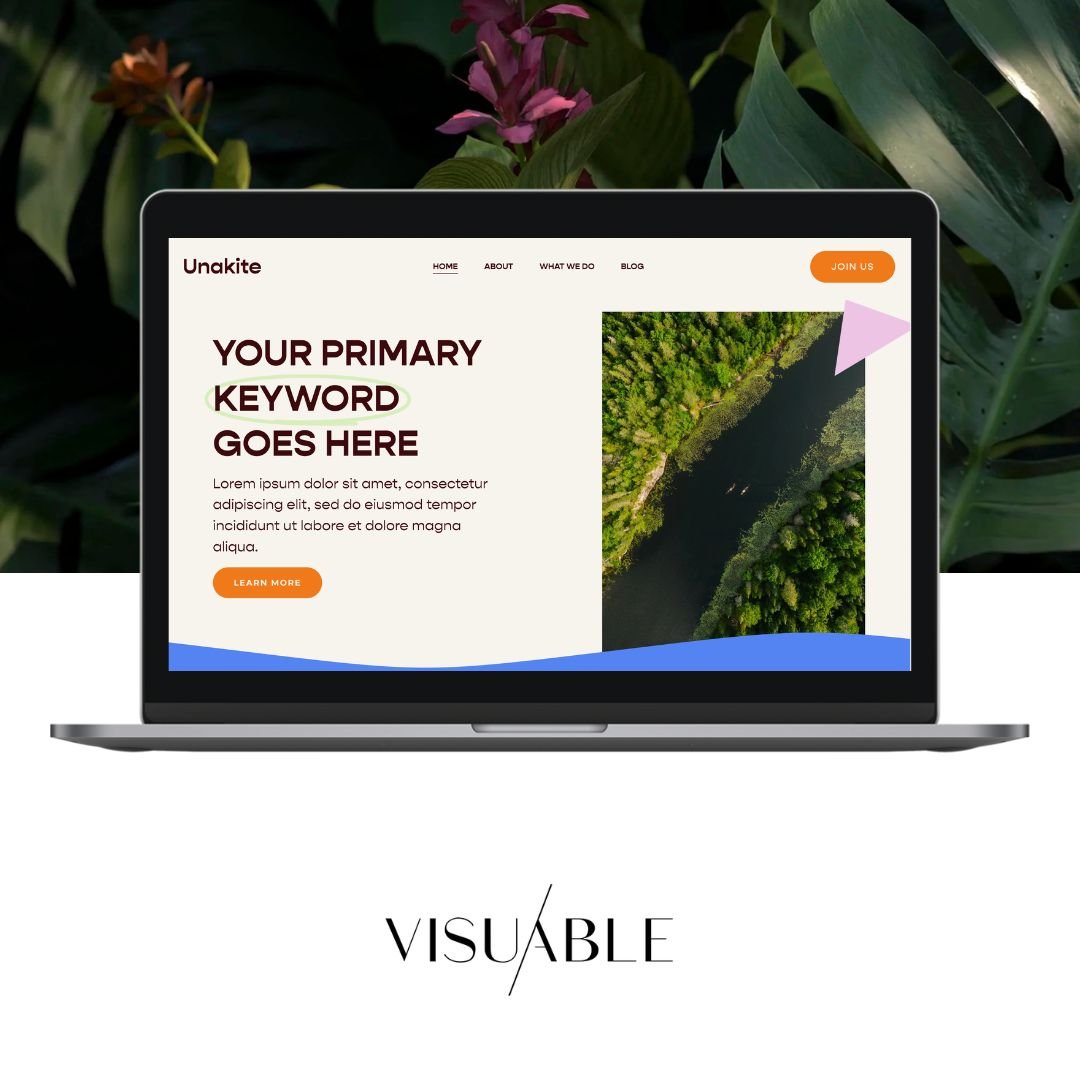
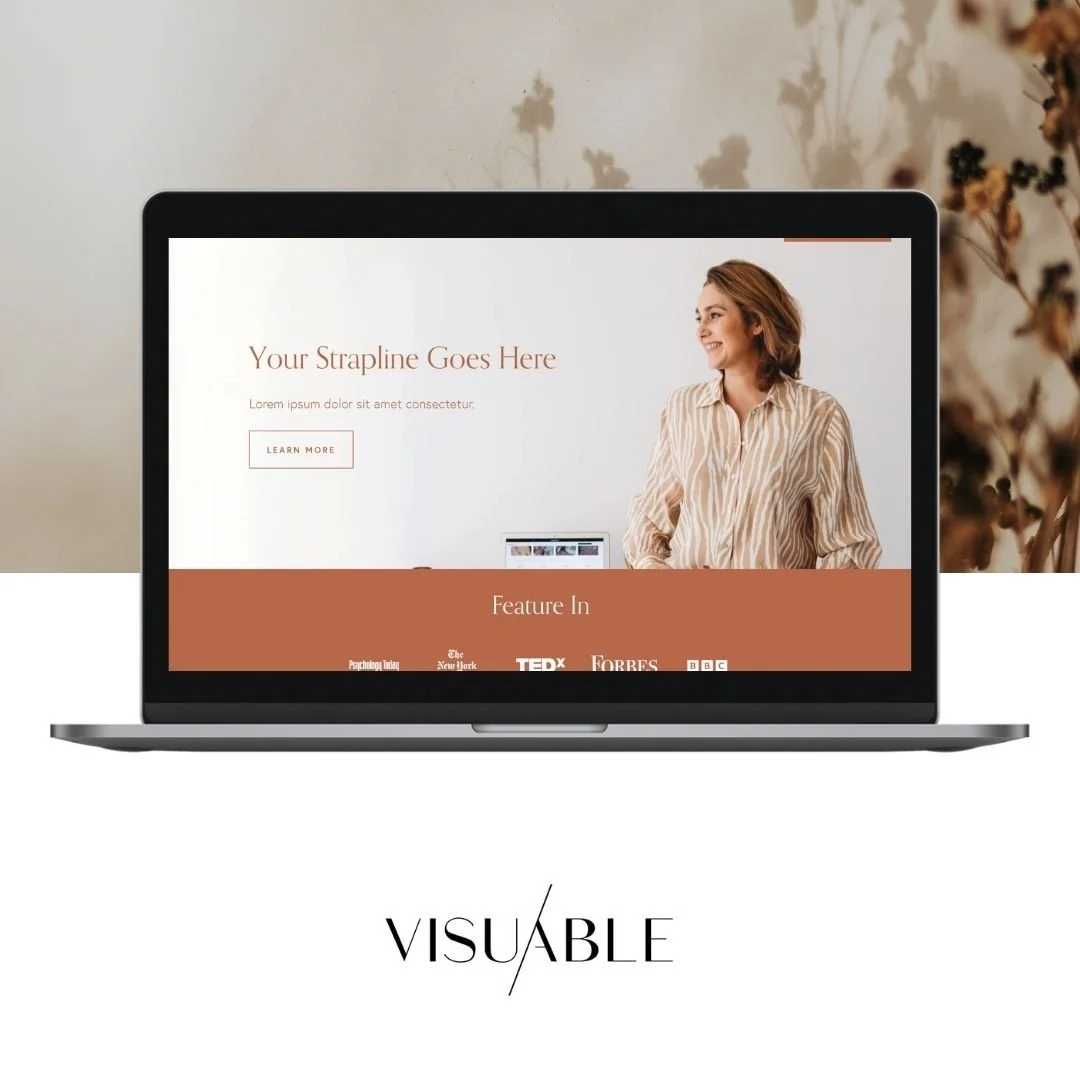
Squarespace offers a variety of templates, each designed to cater to different types of websites and industries. Whether you’re running a blog, an online store, a portfolio, or a business site, there’s a template that can suit your needs. To explore your options, navigate to the Squarespace template library. Here, you can browse through various categories and preview different templates to see how they look and function.
When exploring templates, pay attention to the overall design and layout. Consider how the template’s structure aligns with your content and branding. For instance, if you have a blog-heavy site, look for templates that emphasize clean, readable typography and a well-organized blog layout. For e-commerce sites, prioritize templates with strong product pages, easy navigation, and built-in shopping cart features.
Additionally, consider the customization options available for each template. Some templates offer more flexibility in terms of design and functionality, allowing you to tailor the site to your specific needs. Look for templates with customizable headers, footers, and page layouts, as well as options for integrating third-party tools and services. Don’t hesitate to take advantage of Squarespace’s trial feature, which allows you to test a template before committing to it.
Previewing Your New Template
Once you’ve selected a template that you believe will enhance your website, the next step is to preview it. Squarespace makes it easy to test a new template without affecting your live site. To do this, go to the Design section of your Squarespace dashboard and select the Template tab. From here, you can preview how your current content will look in the new template.
During the preview, carefully examine how your existing pages and content adapt to the new design. Pay attention to any discrepancies or formatting issues that may arise. This is your chance to see how well the new template handles your content structure, images, and other elements. Make note of any adjustments you’ll need to make once you switch to the new template.
It’s also a good idea to navigate through the previewed site as if you were a visitor. Check the responsiveness on different devices, such as desktops, tablets, and smartphones. Ensure that the user experience remains smooth and intuitive across all platforms. This step is crucial for identifying any potential issues and ensuring that your new template provides a seamless experience for your audience.
Customizing Your New Template
After previewing and deciding on your new template, it’s time to start customizing it to match your brand and meet your specific needs. Begin by updating the basic settings such as your site title, logo, and favicon. These elements are crucial for establishing your brand identity and should be consistent across your entire website.
Next, move on to customizing the design elements of your template. This includes adjusting the color scheme, typography, and layout to align with your brand guidelines. Squarespace’s Style Editor provides a user-friendly interface for making these changes. You can experiment with different combinations until you find the perfect look that reflects your brand’s personality.
Don’t forget to customize the individual pages of your site as well. This involves updating the content, images, and any custom code to fit the new template’s structure. Pay special attention to key pages such as your homepage, about page, and contact page. These pages are often the first impression visitors have of your site, so ensuring they look polished and professional is essential. Additionally, take advantage of any built-in features or blocks that the new template offers, as these can enhance the functionality and aesthetics of your site.
Finalizing the Template Change
Once you’ve customized your new template to your satisfaction, it’s time to finalize the change. Before making the switch live, conduct a thorough review of your entire website. Check each page for any remaining formatting issues or inconsistencies. Ensure that all links are working correctly and that no content is missing or misplaced. It’s also a good idea to test any interactive features, such as forms or e-commerce functionalities, to make sure they’re functioning properly.
Another crucial step is to optimize your new template for search engines. Update your SEO settings, including meta titles, descriptions, and alt text for images. This will help maintain your site’s search engine ranking and ensure that your content remains discoverable to your audience. Additionally, consider submitting an updated sitemap to search engines to reflect the changes made to your site.
Before going live, preview your site one last time on different devices and browsers to ensure a consistent user experience. Once you’re confident that everything is in order, you can make the new template live by applying it in the Design section of your Squarespace dashboard. After the change is live, monitor your site closely for any issues and be prepared to make quick adjustments if necessary. This proactive approach will help ensure a smooth transition and maintain a positive experience for your visitors.
Troubleshooting Common Issues
Despite careful planning and preparation, you may encounter some common issues when changing your Squarespace template. One frequent problem is formatting discrepancies, where content doesn’t display as expected in the new template. To address this, review the Style Editor settings and make necessary adjustments to align the formatting with your original design. You may also need to reformat certain elements manually to ensure a cohesive look.
Another common issue is broken links or missing content. This can occur if certain elements from your old template aren’t compatible with the new one. To troubleshoot, thoroughly check all links and content blocks after applying the new template. If you find any broken links, update them with the correct URLs. For missing content, manually re-add or recreate the elements to ensure nothing is lost in the transition.
Lastly, you might experience performance issues, such as slower load times or reduced responsiveness. These issues can often be resolved by optimizing images, minimizing custom code, or utilizing built-in performance features like Squarespace’s built-in image optimization tools. If the problem persists, consider reaching out to Squarespace support for assistance. They can provide additional troubleshooting tips and help resolve any technical issues you may encounter.
Conclusion and Best Practices
Changing your Squarespace template is a powerful way to refresh your website and keep it aligned with your evolving brand and business goals. By following a step-by-step approach, from preparation to finalization, you can ensure a smooth and successful transition. Remember to back up your content, thoroughly preview and customize your new template, and address any common issues that arise during the process.
To ensure the best results, it’s essential to stay informed about the latest design trends and Squarespace updates. Regularly reviewing and updating your website can help maintain a modern and engaging online presence. Additionally, leveraging Squarespace’s extensive support resources, including tutorials, forums, and customer support, can provide valuable insights and assistance throughout the process.
Ultimately, the key to a successful template change is careful planning, attention to detail, and a willingness to adapt and optimize. By following these best practices, you can create a visually stunning and highly functional website that effectively represents your brand and captivates your audience. So, go ahead and embark on the journey of transforming your Squarespace site with a fresh and exciting new template!
Turn Your Template Into a Strategic Framework
The difference between a website that looks good and a website that performs well often comes down to structure.
That's why we don't just customise Squarespace templates—we transform them into strategic frameworks designed around your brand, your audience, and your goals. From SEO-friendly page architecture to conversion-focused layouts, every decision is made with purpose.
If you're ready to launch with confidence and create a website that's built to grow with your business, we're here to support you every step of the way.
Related Blogs