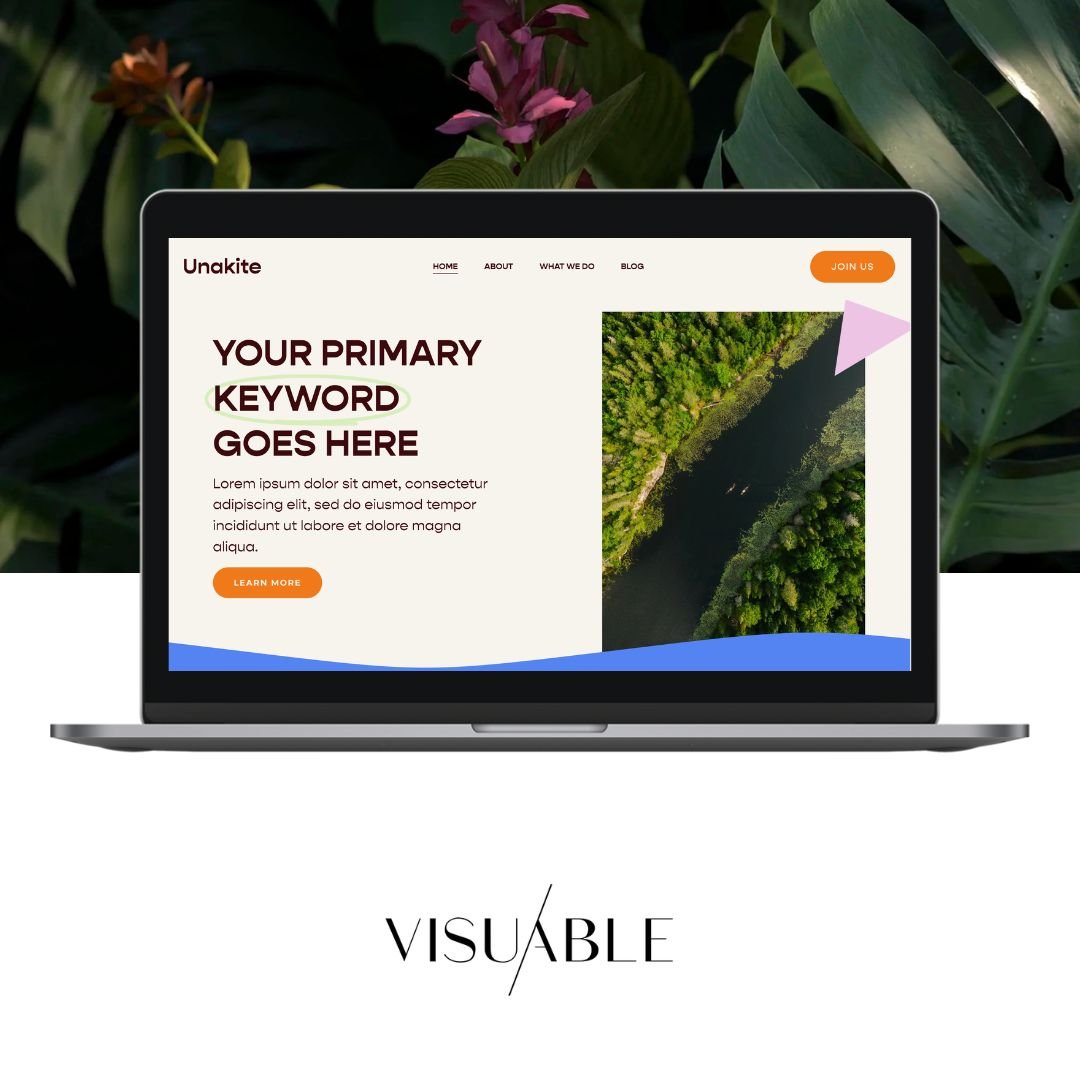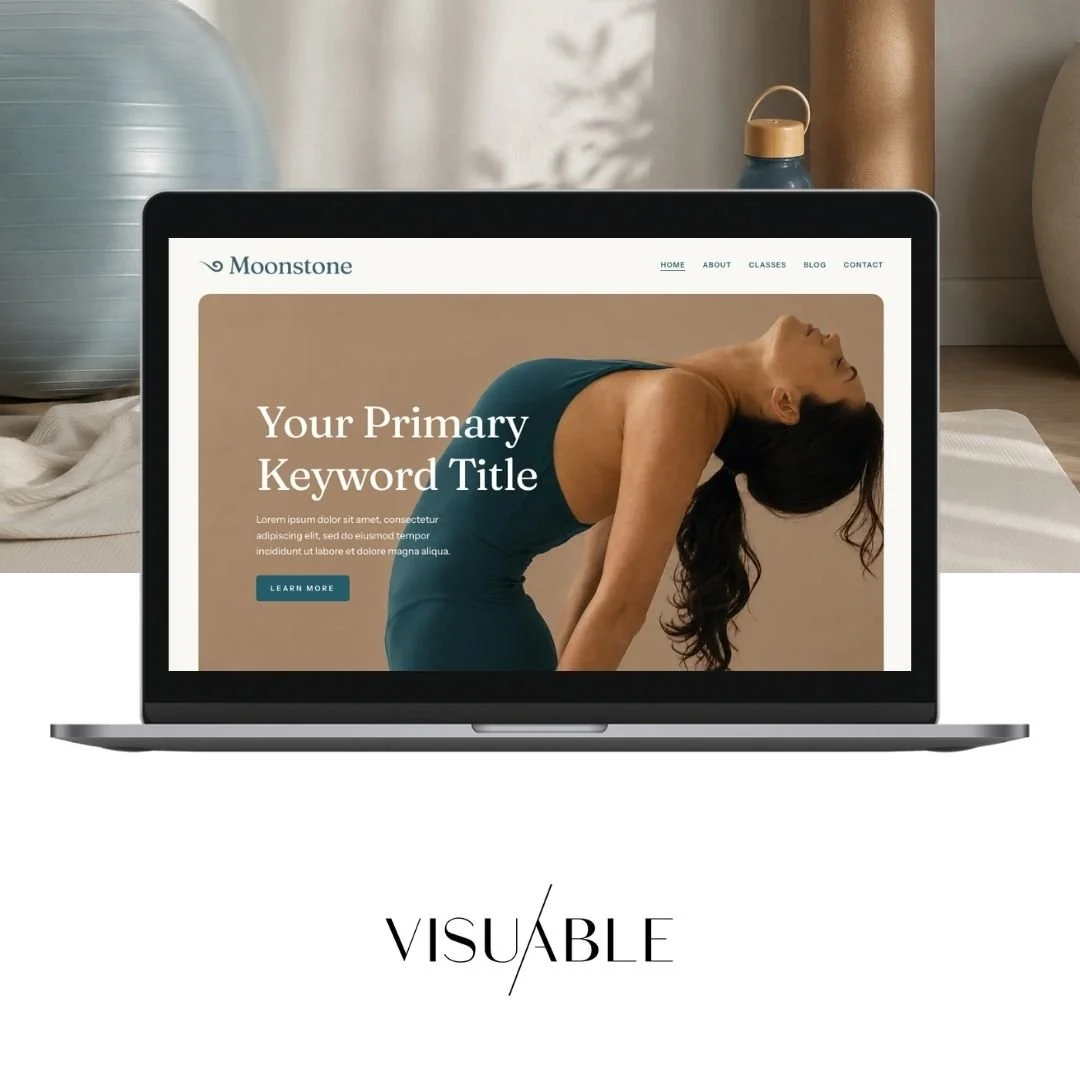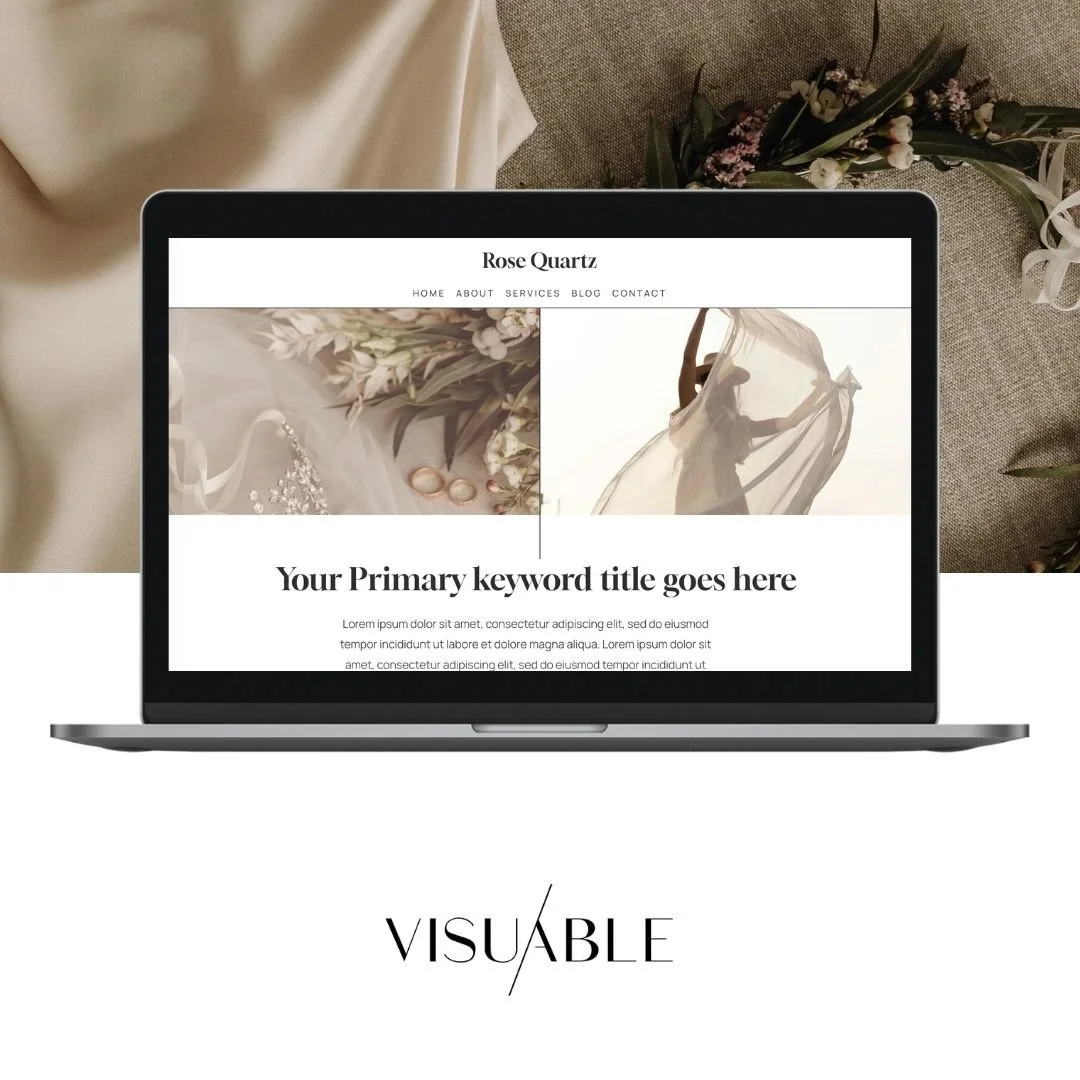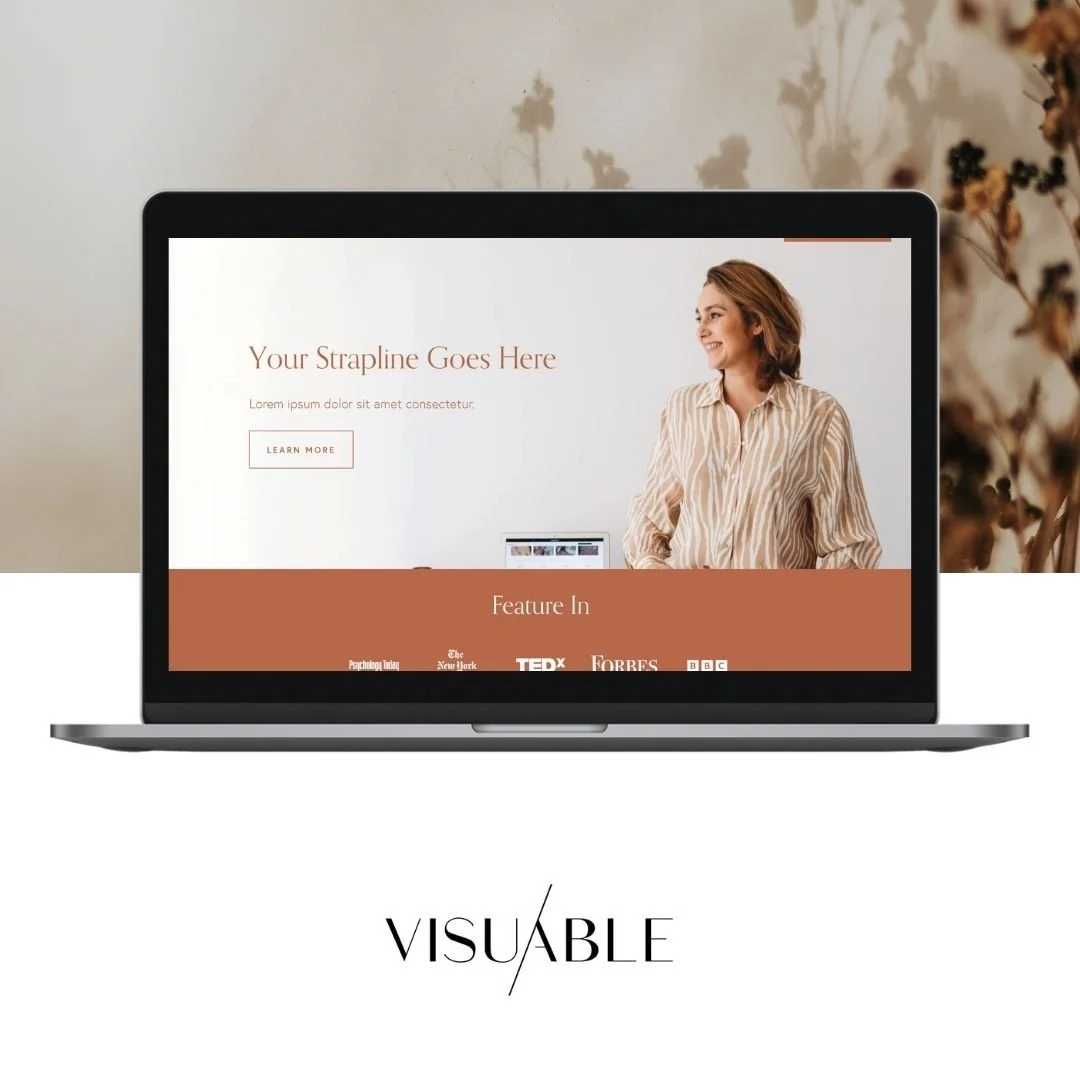
Best Squarespace Templates: Find Your Perfect Design

Choosing the best Squarespace templates can feel overwhelming—especially when every option looks polished and professional. But the right template isn’t just about aesthetics. It’s about how well it supports your goals, your content, and your customer journey.
Squarespace templates provide a strong starting point, but the real value lies in strategically selecting and shaping one. In this guide, we’ll walk you through how to find, customise, and optimise the best Squarespace templates so your website doesn’t just look good—it performs.
Exploring Squarespace Templates: Key Features and Categorization
Squarespace templates are designed to be flexible, but they still follow key structures that influence how your website works.
Most templates are categorised by purpose, including:
Portfolio templates for creatives and visual brands
Business templates for service-based companies
E-commerce templates for online shops
Blog-focused templates for content creators
While categories are helpful, the best Squarespace templates share a few core features:
Clean, structured layouts
Strong visual hierarchy
Built-in responsiveness
Flexible content sections
Rather than focusing on the category alone, look at how the template supports your content and user journey.
Choosing the Right Squarespace Template for Your Industry and Goals
The best Squarespace templates are the ones aligned with your strategy, not just your style.
Start by asking:
What action do I want users to take?
What content do I need to showcase?
How complex is my website structure?
For example:
A coach may need clear service pages and booking integrations
An e-commerce brand needs strong product layouts and navigation
A personal brand benefits from storytelling and blog integration
At Visuable, we often guide clients to think beyond visuals. A well-chosen template should support conversions, not just design preferences.
If your goal is growth, your template should make it easier for users to explore, trust, and take action.
Customizing Your Squarespace Template: Branding and Design Essentials
Even the best Squarespace templates need thoughtful customisation to feel unique.
Start with your brand foundation:
Colour palette
Typography
Imagery style
Tone of voice
Then move into layout refinement:
Adjust spacing and section flow
Simplify navigation
Highlight key calls-to-action
This is where templates truly transform. Instead of looking like a pre-built design, your site becomes a cohesive brand experience. As we often see in our client work, a template customised with intention can rival fully custom builds—especially when supported by strong copy and UX thinking.
Leveraging Squarespace's Block System: Building Dynamic Layouts
One of Squarespace’s biggest strengths is its block system.
Blocks allow you to build pages using:
Text sections
Image galleries
Videos
Forms
Buttons
By combining these elements, you can create dynamic, engaging layouts without coding.
The key is to avoid overloading your pages. Instead:
Use whitespace intentionally
Group-related content
Guide users with a clear visual flow
When used strategically, the block system helps you turn even simple templates into engaging, high-converting pages.
Optimizing Squarespace Templates for Mobile Responsiveness and SEO
The best Squarespace templates are already responsive—but optimisation still matters.
For mobile:
Check spacing and readability
Ensure buttons are easy to tap
Simplify layouts where needed
For SEO:
Use clear heading structures (H1, H2, H3)
Integrate keywords naturally
Optimise images for speed
Write strong meta titles and descriptions
Squarespace provides a solid technical SEO foundation, but content and structure are what drive visibility.
Integrating Essential Squarespace Extensions for Enhanced Functionality
Templates are just the starting point—extensions take your website further.
Depending on your needs, you can integrate:
Booking systems (e.g., Acuity Scheduling)
Email marketing tools
Membership platforms
E-commerce enhancements
These integrations allow your site to do more than showcase your brand—they help you run and grow your business.
The goal is to keep everything seamless, so your users enjoy a smooth experience from start to finish.
Maintaining and Updating Your Squarespace Template: Best Practices for Long-Term Success
Your website isn’t a one-time project—it’s an evolving asset.
To keep your site performing:
Refresh content regularly
Update visuals to stay current
Monitor SEO performance
Improve pages based on user behaviour
Even the best Squarespace templates need ongoing attention to stay effective.
Ready to explore how Squarespace templates can work for your website?
The best Squarespace templates aren’t defined by how they look in a demo—they’re defined by how well they work for you.
With the right strategy, customisation, and ongoing optimisation, any template can become a powerful tool for your brand.
If you’re looking to create a website that feels aligned, intentional, and built for growth, it all starts with choosing the right foundation—and building on it with purpose.
Related Blogs